

Editor’s Note: This troubleshooting guide has been fully updated for 2026 to address modern LTE communicators and the permanent 3G network shutdown.
Does your alarm system display a “Check 103 LngRng Radio” error message? You aren’t alone, as this error message occurs in Honeywell VISTA and ADT Safewatch Pro alarm systems. Fortunately, our security system experts know the solution to this problem.
Here is how to silence the keypad right now so you can think clearly:
Enter your [4-Digit User Code] and press the [1] (Off) key. Do this twice in a row.
When you have a Check LngRng Radio message, your system is experiencing an issue with its backup communication device. Owners can fix this error message by rebooting the alarm or waiting for the network provider to solve a network outage.
Before worrying about costly repairs or this being a system-ending error, read this article to learn more about this issue. Our security team will outline the steps to fix a Check 103 LngRng Radio error.
What Does a Check LngRng or bF Error Message Mean?
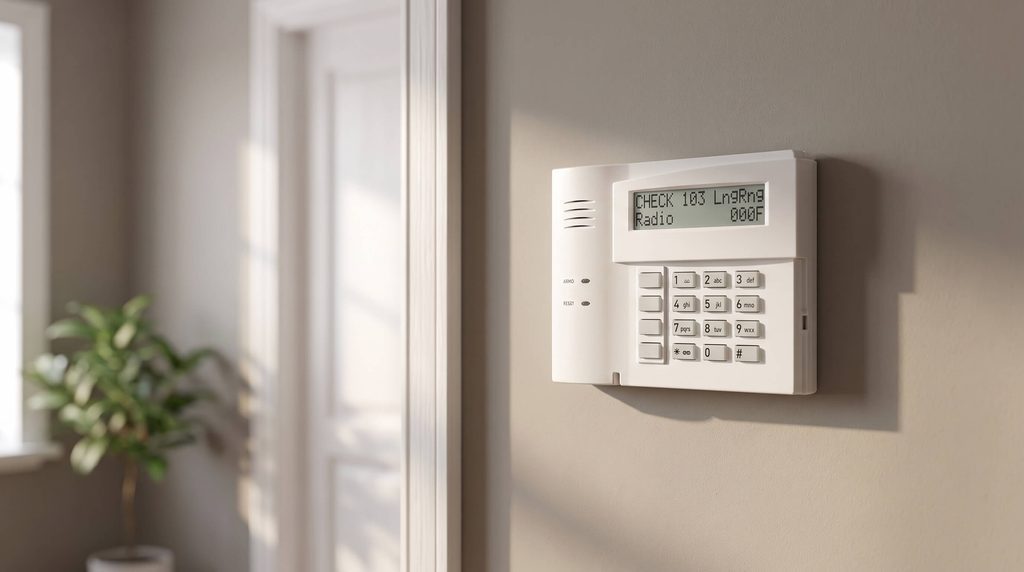
Alarm systems use cellular communication to report incidents to the central monitoring station. In the United States, the primary cellular network used by alarm system providers is AT&T. When there is a disruption with these cellular signals, you will see an error message.
For Honeywell VISTA and ADT Safewatch alarms, you will receive an error message that shows Check 103 LngRng Radio or bF. The bF error message represents backup failure, which has the same meaning as Check LngRng Radio.
The biggest culprit for this error message is a temporary network outage in your area. This problem usually resolves itself, and you don’t need to do anything. These network outages can result from routine maintenance or a sudden problem.
You can check for a network outage using a website like DownDetector. By typing ADT or Honeywell into the website’s search bar, you can determine if other customers are facing system issues.
How To You Solve a 103 Check LngRng Message
Once you’ve ruled out a network outage in your area, you can proceed with other troubleshooting steps. If you want to get to the bottom of this problem, follow the three steps explained below.
Test the Alarm System
Sometimes, an ADT system will lose connection to communication randomly and can be restored with a test. Alarm system communications can experience issues that you can resolve by contacting your monitoring provider to test the system.
Contact ADT or your central monitoring station to ask them to perform a test on your alarm system. If the test confirms that you have a cellular network connection, the 103 Check LngRng Radio error will disappear.
Restart the Alarm System
An uncommon problem that some ADT customers face is an unregistered alarm system with no warning. You will not receive proper cellular communications when your alarm system is unregistered due to a communication issue.
Fortunately, the solution to this problem is powering your alarm down and restarting it. Many owners have reported rebooting their alarm system fixed the Check LngRng Radio error message.
Check the Alarm’s Signal Strength
If there is something wrong with your alarm’s signal strength, you can find it by checking the alarm’s signal. For the best results, you want a signal strength between -94dBm and -20dBm on your system.
Some things that could affect the signal of your alarm system are:
- Trees
- New Buildings
- Construction Equipment
- New Roofing System
Your alarm monitoring provider can help you check the signal strength of your system. If you have a weak signal, you could consult with an authorized dealer about the solutions for the problem.
What Are Other Error Codes For an Alarm System?
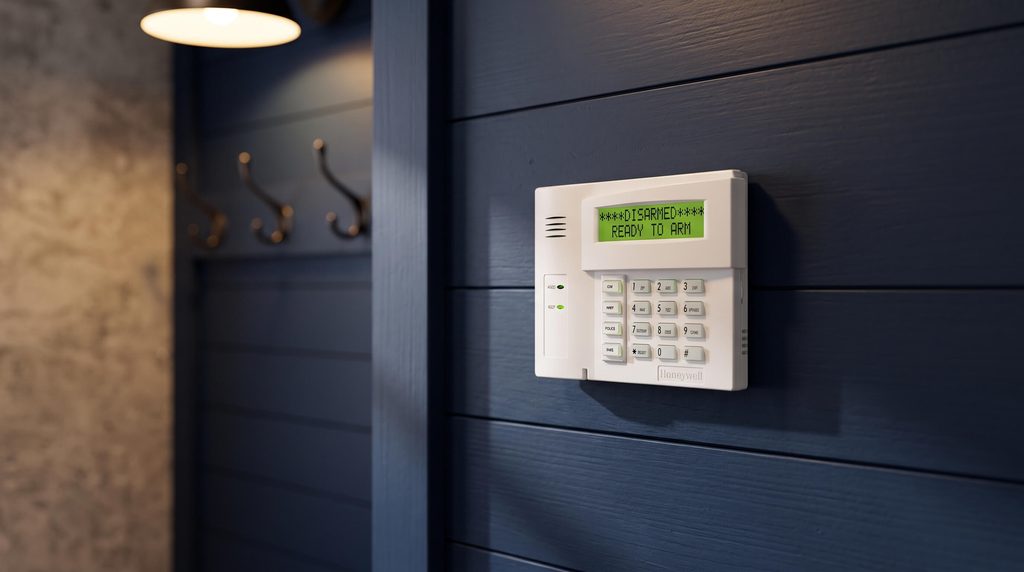
If you have a Honeywell VISTA or an ADT Safewatch alarm, there are other error codes you should be informed about. These error codes provide helpful information that you can use to solve your system problems.
When you have a VISTA keypad, you should remember these 4-digit error codes:
- 0000 – The Control Panel Lost Communication
- 0880 – Tamper Detected
- 0005 – Lost Communication With the Cell Network
- 000F – The Radio is Not Activated
- 0019 – Communicator Shutdown
- 0400 – The Communicator Reset, and Control Panel Lost Communication
- 0C80 – Communicator Power Reset and Tamper Detected
- 08E0 – Communicator Tamper Detected, and Battery is Low
- 3000 – Primary Power Loss
- 8000 – Battery Charger Failure
- 0060 – Low Battery
Frequently Asked Questions
If you have a Honeywell alarm system, you may encounter a Check error message you must diagnose. These check messages typically mean you must see if your panel’s cover is on correctly. Additionally, you should check the wireless sensors around the home to confirm they are functioning.
When you have a Check 100 message on your Honeywell alarm system, the most common reason is the wireless receiver was disconnected. This message could occur if a hardwired zone were not programmed correctly. The best action for this error message is to contact technical support for assistance.
Deactivating the long-range radio on your VISTA 20P alarm can be done by entering your system’s programming code. Once in programming mode, tap [*] and [29] and press the no option when prompted to enable IP/GSM. After following these steps, you can exit programming mode to complete the process for your alarm.
Conclusion
The 103 Check LngRng Radio or bF message is an issue some customers face with their alarm systems. If you encounter this error code, you should first confirm there is no network outage in your area.
Once you’ve confirmed no outage, you can move forward by resetting the system and testing its signal strength. If your problem doesn’t resolve, you should contact ADT or Honeywell for additional assistance.