
Are you curious about how to unregister a Blink camera without an account? Blink cameras are an affordable and effective way to monitor the internal activities of your home from afar. You can view an active video feed of everything inside your home using the Blink app on your smartphone and a high-speed Wi-Fi internet connection.
However, if you purchased a secondhand Blink security system from a thrift store or online auction, the previous owner’s account is probably still linked to the camera. You will not be able to use the secondhand Blink camera or connect your own account until you unregister the previous owner’s account from the camera.
The Top 4 Methods for Unregistering a Blink Camera
There are at least four primary methods to unregister another owner’s account from the secondhand Blink camera you purchased. Let us explore those methods below:
1. Locate the Previous Owner

If you are not a technical person and wish to use an old-fashioned method of unregistering the account, try to track down the previous owner of the secondhand Blink camera.
For example, if you purchase the camera from an eBay seller, then the seller is likely the previous owner. Ask them to unregister the camera from their Blink account or provide you with the account login information so that you can do it yourself.
If you cannot find the previous owner or their account login information, you must do one of the other methods outlined below that don’t involve logging into the previous Blink account.
2. Change the Email Address on the Account
You likely won’t know the login information of the Blink account linked to your secondhand Blink camera. But if you can access the email address on the account, you can use the “Forgot Password” feature on the login screen to create a new password.
However, you probably won’t have access to the email address on the account because it belongs to someone else. But if you at least know the email address, you can contact Blink’s customer service department for assistance.
Request that the customer service agent change the email address associated with the account linked to your camera. It should be an email address you can log into and read its messages. If you know the camera’s serial number and the account email address, customer service may be able to help you if you can provide this information.
If successful, you can use the Forgot Password feature to send a password reset link to the new email address on the account. After you log into the account with the new password, you can delete the account to unregister it from the camera.
3. Delete the Blink Account
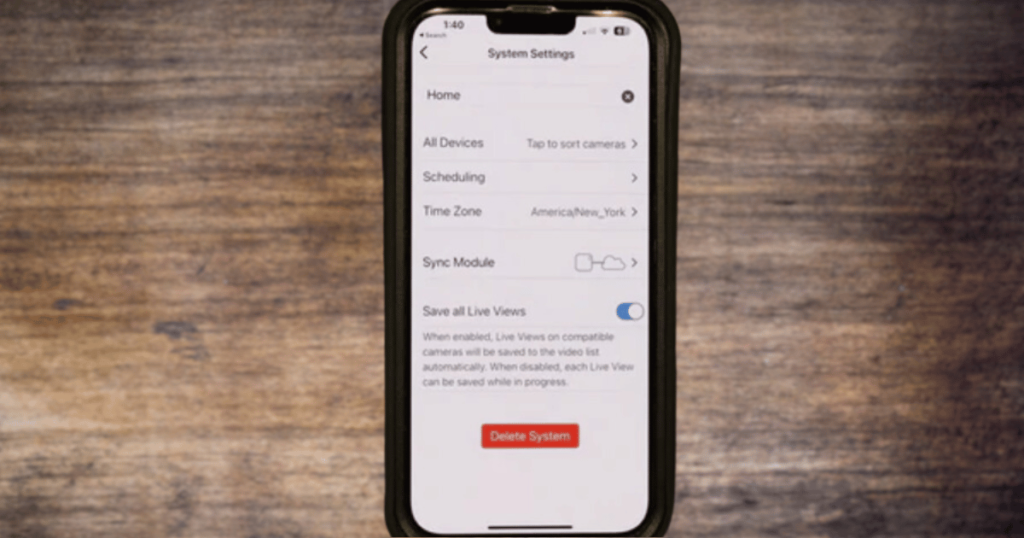
Deleting the Blink account is a fast and easy way to unregister your secondhand camera from the previous owner’s account. You must have the username and password information to access the account settings.
Use your smartphone to download and access the Blink app. Log into the previous owner’s account using the password you acquired. Select the Manage Account link and then scroll down to the bottom, where it reads “Delete Account.” Tap on the Delete Account button.
You will see a confirmation popup window that will ask you to reenter the password on the account. Type in the password and then tap the DELETE button one final time. Wait a few seconds while the app deletes all the account information from the camera, including its connection to other cameras.
4. Reset the Camera
If you don’t know the previous owner’s email address or Blink account password, resetting the camera is the only other solution to unregister it from the account.
The first step to resetting the camera is to locate the Sync Module, which is the device that links your Wi-Fi internet connection to your Blink camera security system. Once you find the Sync Module, look for a small reset button on the side of it.
This button is usually inaccessible with your finger, so you must use the narrow end of a paperclip or pin to access the button. Use the paperclip or pin to continuously press and hold the button for 10 to 15 seconds. If done correctly, you will hear certain sounds or see the LED lights flash on the module.
Remove the paperclip or pin from the button to release it. Give the Sync Module a few minutes to reset and reboot. When the reboot has completed, check to see if the old account is still linked to the camera.
If no account is connected, you successfully unregistered the camera from the account. Now, you can link your own account to the camera.
Is It Better to Buy a New Blink Camera?
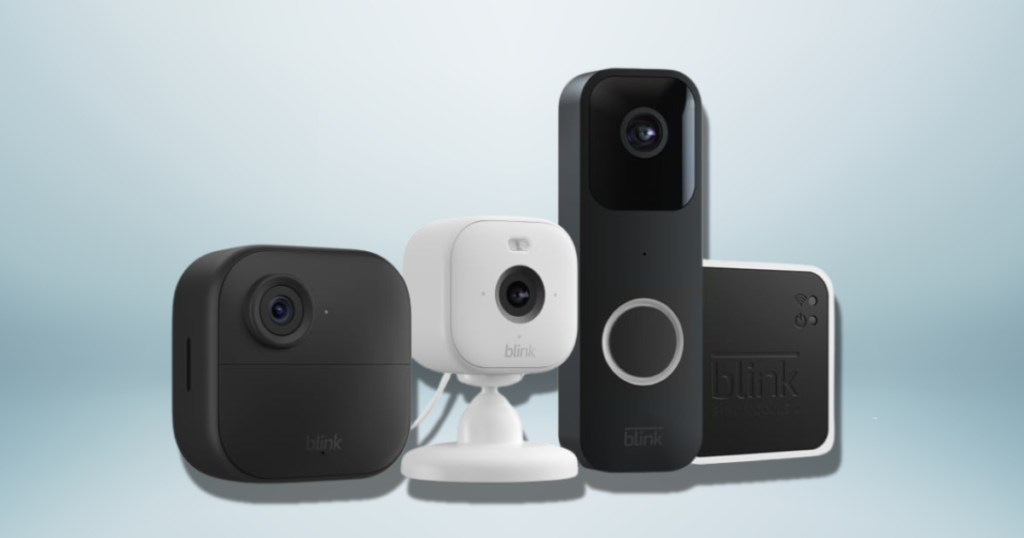
New Blink security system cameras can cost anywhere from $20 to over $300. It all depends on which product model you want to buy.
In any case, you should only purchase a secondhand Blink camera if you want to save money on a decent Blink camera model with all the features you desire. First, you should be aware of the potential risks involved in using a secondhand Blink camera.
Those risks include:
- If you use a secondhand Blink camera linked to the previous owner’s account, they could potentially see everything that the camera sees inside your home. Your privacy would be violated.
- Your secondhand Blink camera may have a history of functionality issues or other problems you might not expect.
- A manufacturer’s warranty does not apply to secondhand Blink cameras.
- Blink customer support may not help with technical issues if you have a secondhand Blink camera.
- You’ll have no idea if hackers have compromised your secondhand Blink camera to tap into your home’s smart security network.
Recommended Article: Can Blink Cameras Be Hacked?
Conclusion
In conclusion, you can reduce most of these risks by unregistering the previous owner’s account, deleting all the previous settings, and resetting the camera entirely. If you do that, you shouldn’t worry about the previous owner compromising your security.
Then, if the camera seems to function correctly, everything should be fine from that point forward. If you have any more questions about how to unregister a Blink camera without an account.