
Did you receive an Invalid Access Limit Exceeded message? Kwikset lock models use advanced smart technology to secure the locks and inform you of the lock status on your smartphone. You will receive a phone notification whenever someone attempts to unlock the Kwikset lock installed in your door.
You will receive an “invalid access limited exceeded” notification after someone makes three consecutive failed attempts to unlock the door within a short timeframe. Kwikset lock models are programmed to block any further attempts to unlock them if three consecutive invalid keycodes are entered within a timeframe of 60 seconds.
Once a Kwikset lock is blocked, it will not accept any more keycode entries for the next 60 seconds. This article will cover the Kwikset Invalid Access Limit Exceeded and what solutions you can consider to fix it.
Why Do You Receive a Kwikset Invalid Access Limit Exceeded Message?
There are two main reasons why someone would be making invalid keycode entries onto the lock’s keypad. The first reason is that some unauthorized person attempts to bypass the smart locking system to gain unlawful entry.
The second reason is that you forgot the keycode or someone close to you changed it within telling you. In some rare cases, a firmware malfunction may falsely claim that the invalid access limit has been exceeded.
Please note that some Kwikset lock models have different settings and expiration times for blocking access to the lock. Three failed keycode entries in a 60-second timeframe may be the standard for some lock models, but not all.
Some of the latest reports indicate that new Kwikset smart locks require four invalid keycode entries before they block any more entries. Do your research or look at the instructions for the Kwikset lock to see if its configuration meets your preferences.
Top 6 Solutions For a Kwikset Invalid Access Limit Exceeded Message
Do you want to learn all possible ways to overcome the “invalid access limit exceeded” notification issue? Below are the top 6 solutions for your consideration.
Wait for the Temporary Block to Expire
As we explained, Kwikset locks temporarily block key code entries after numerous failed unlocking attempts. The “invalid access limit exceeded” warning will remain on your smartphone until the block disappears. The easiest way to remove the temporary block on your Kwikset lock is to wait for the block to expire.
If the block doesn’t go away after 60 seconds, try waiting a couple more minutes or hours for the block to go away. You will know when it goes away because the “locked” icon on the phone will change to “unlocked.” This signals that you are allowed to make keycode entry attempts once again.
Reset the Lock
If you have forgotten or lost the keycode for your Kwikset lock, the only way to avoid any more “invalid access limit exceeded” notifications is to reset the keycode on the lock. That way, you don’t risk making any more invalid keycode attempts and causing the notifications to get sent to your smartphone once again.
Every Kwikset lock has a unique procedure for resetting it. Read the instruction manual or visit the Kwikset website to find the reset procedure for your particular Kwikset lock model number.
Recommended Article: How to Find a Kwikset Model Number Quickly
Use a Backup Code
Did you set up a second valid keycode on your Kwikset lock? Some homeowners set up multiple valid keycodes if they have numerous people living in the same house and wish to create separate keycodes for each person.
Wrongly entering a particular keycode too many times will temporarily deactivate it. However, the smart lock system will not turn off any other valid keycodes. If you have another valid code set up for someone else, you can still use that code to gain entry.
Change the Battery
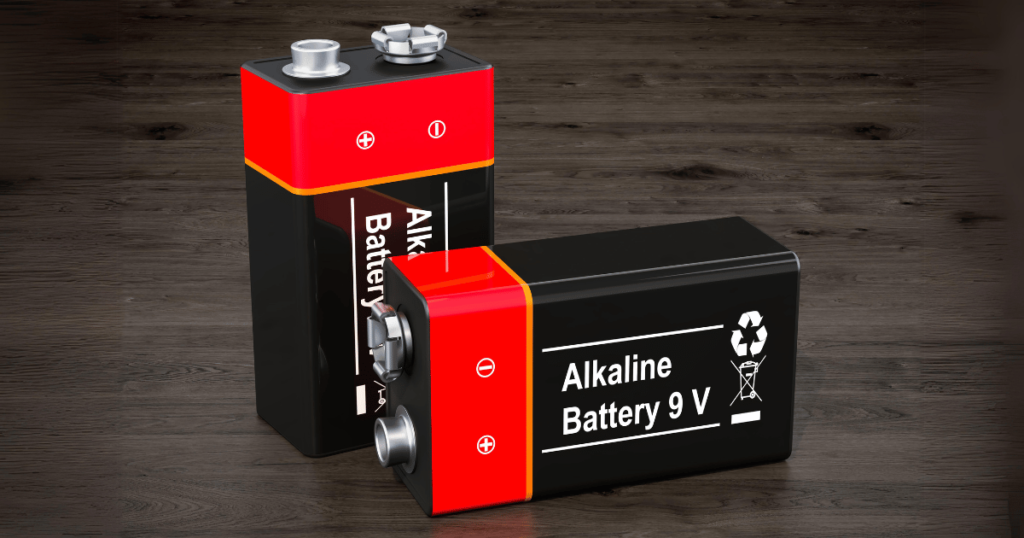
Sometimes, the “invalid access limited extended” notification may not be anyone’s fault. If you are confident that no one made unauthorized or failed attempts to unlock the lock, the only other explanation for the notification is low battery power.
The smart lock system is a wireless system running on battery power. If the batteries in the lock system are low on energy, the locking mechanism will malfunction and possibly send false “invalid access limited extended” notifications.
Use your smartphone to check the battery power level on your smart lock system. If the battery power is low, replace the batteries in the system with new ones. After you do that, it should resolve the notification issue.
Update the Firmware
When was the firmware last updated on your Kwikset lock system? If it has been a long time, your lock may malfunction by sending false notification messages. Outdated firmware can cause various technical issues if not updated.
The solution to this problem is to update the firmware on your Kwikset lock system. Ensure your Kwikset lock has the latest firmware version installed. That should stop the false notifications from being sent again.
Repair Damage to the Lock Unit
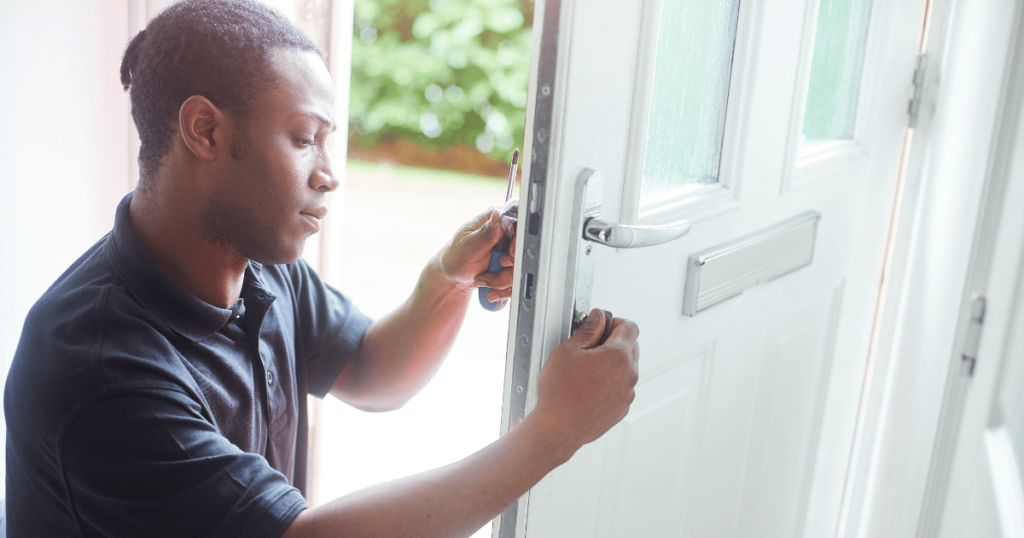
Did your Kwikset lock unit suffer any damage? Someone may have attempted to enter your home by kicking or damaging the Kwikset lock unit. It is also possible that extremely hot or cold temperatures may have deteriorated some of the internal components of the lock system, causing them to malfunction.
A damaged motor or circuit board may cause a false “invalid access limited extended” notification to get sent to your smartphone. So, you’ll need to repair the damaged lock unit by replacing the motor, circuit board, or any other damaged or deteriorated part.
A mechanical issue may also cause the false “invalid access limited extended” notification. Check the latch to see if it is misaligned or won’t retract. If there is any kind of problem like this with the lock mechanism, you’ll need to replace the broken component. After the mechanism is repaired, the error notifications will stop.
Conclusion
As you can see, there are many possible solutions for preventing those annoying “invalid access limited extended” notifications. All you have to do is diagnose the cause of the notifications and then apply the necessary solution.