
Are you curious about the ways to power a security camera? You aren’t alone, as this is an important question people have when shopping for security cameras. However, selecting the right power supply option can be challenging, so we created this complete list of options.
You can power a security camera with the following five methods:
- DC Power Supply
- Power Over Ethernet (POE)
- AC Power Supply
- Rechargeable Battery
- Solar Panels
These methods to power a security camera are the most common, each with benefits and disadvantages. This article will cover ways to power a security camera and help you make the correct choice for your home.
Top Things to Consider When Powering a Security Camera
All security cameras need a power source, whether wired or wireless. However, what matters most is selecting a power source option designed for your security system. While choosing a power supply option for your cameras, you must understand your system’s compatibility.
You can’t use a rechargeable battery pack for a wired system that operates on a PoE connection. Manufacturers design security camera systems to work with specific power supply options. Sometimes, your security cameras will work with multiple options featured on this list.
While checking its functionality, you should read your camera’s spec sheet to learn how the system receives power. Learning the requirements of your security cameras will help you avoid making costly mistakes that damage your system.
5 Ways to Power a Security Camera
1. DC Power Supply
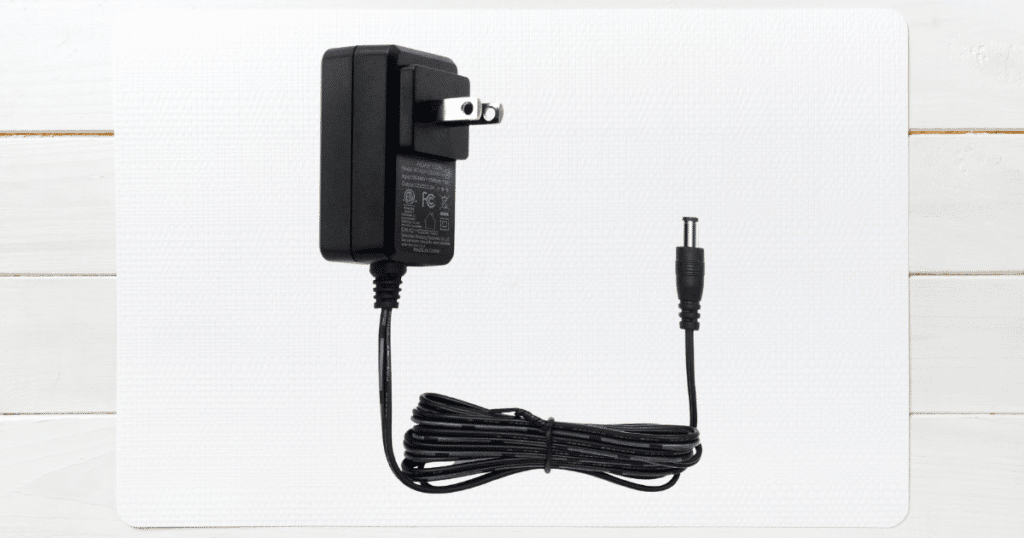
DC or direct current power supplies usually come in budget-friendly security camera systems. This power supply option is a wired connection that involves the owner plugging a small transformer into a standard 120v power outlet.
When the DC transformer receives power from the outlet, it converts it to a lower voltage of 5V or 12V. Once the owner plugs in the transformer, they can plug the power cable into the dedicated DC port.
If you have a security camera system that uses DC power, it’s best to install the cameras near a wall outlet. You will need to run the cable from the nearest outlet to the back of your security cameras.
While this is easy for indoor cameras, an outdoor security camera system can be tricky for a DC power supply. You may need to purchase a DC power cable longer than the stock option included with your security cameras.
While purchasing a DC power supply, you have a range of around 300ft before a noticeable power drop. Fortunately, DC power supplies are inexpensive, and you can find a high-quality option for under $20.
2. Power Over Ethernet (PoE)
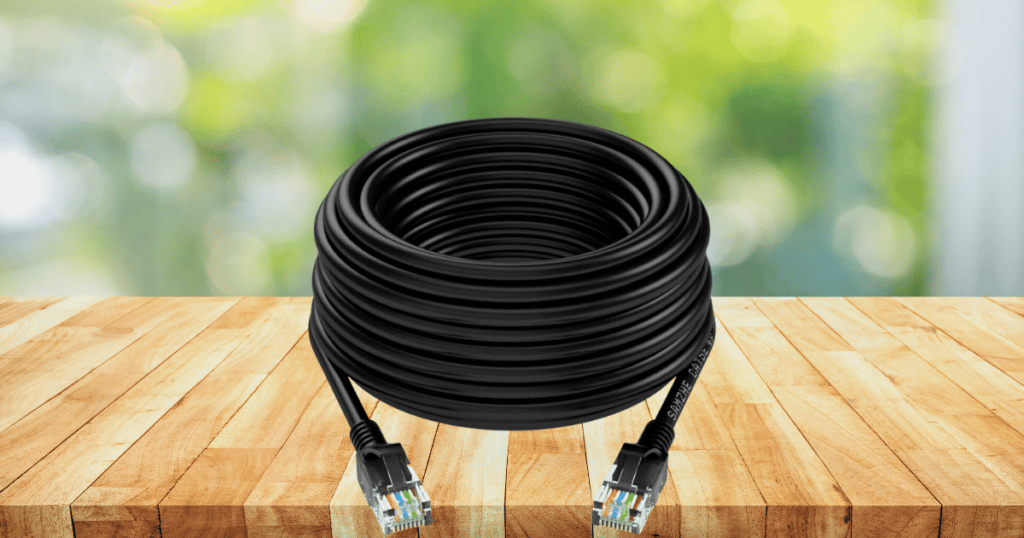
One of the most exciting innovations in power supply technology is the introduction of Power Over Ethernet (PoE). While ethernet cables have been standard for cameras for decades, this option transfers data and power in a single port.
Since this is a relatively new technology, this power source is only available for newer camera models. The PoE port is different than a standard ethernet port, so you cannot plug a PoE cable into any security system’s ethernet port.
Along with the cameras, you will need an NVR that supports this new power source for full compatibility. If your NVR system doesn’t support PoE, you will need to utilize the more standard DC power and ethernet cable.
Additionally, you can use a PoE splitter to connect DC power and ethernet into a PoE connection. This simple product creates compatibility between a PoE security camera and an incompatible NVR.
If you are unsure if your security cameras support this option, you can check the spec sheet for PoE or look for “PoE In” on your camera system. When a camera requires more than 30W of power, you will typically need an AC or DC power supply.
3. AC Power Supply
For larger security systems, you may be equipped with an AC power supply for higher-capacity cameras. Like DC power supplies, an owner typically plugs a power supply into a standard wall outlet.
If your security cameras come with an AC transformer, you can plug it into the outlet and connect your cameras. The installation of these power supplies is straightforward and will distribute power to your cameras.
Security system companies utilize these AC power supplies for a wide range of applications, including:
- Security Cameras
- Alarm Systems
- Smart Home Devices
However, you may also have a security system with no power adaptors or transformers. When you have no adaptors, you will need to hire an electrician for the project if you don’t have electrical knowledge.
A high-capacity security system will require a dedicated circuit in your home or business’s electrical panel. The installation can be complex if there are several cameras, and it is easier to hire a professional for the job.
4. Rechargeable Battery

Now that you know how to power a wired security camera, we can move on to wireless options. Rechargeable or standard batteries are typically how wireless cameras receive power for operating.
Wireless cameras with rechargeable batteries have become increasingly popular, with top names like Wyze, SimpliSafe, and Ring having wireless options. However, rechargeable batteries come with a downside.
Most wireless cameras do not record 24/7, as this would shorten the battery life quickly. You would need to recharge the battery frequently with constant video recording. Instead, these cameras will record video when they sense motion in their view.
However, these wireless cameras compensate for these disadvantages with an easy installation process. You don’t have to connect wiring or hook your security cameras to a local storage drive.
After charging the battery and setting the camera in a suitable location, you can receive activity alerts in the area. If you are looking for a security camera with the best convenience, we recommend starting with an option with rechargeable batteries.
5. Solar Panels
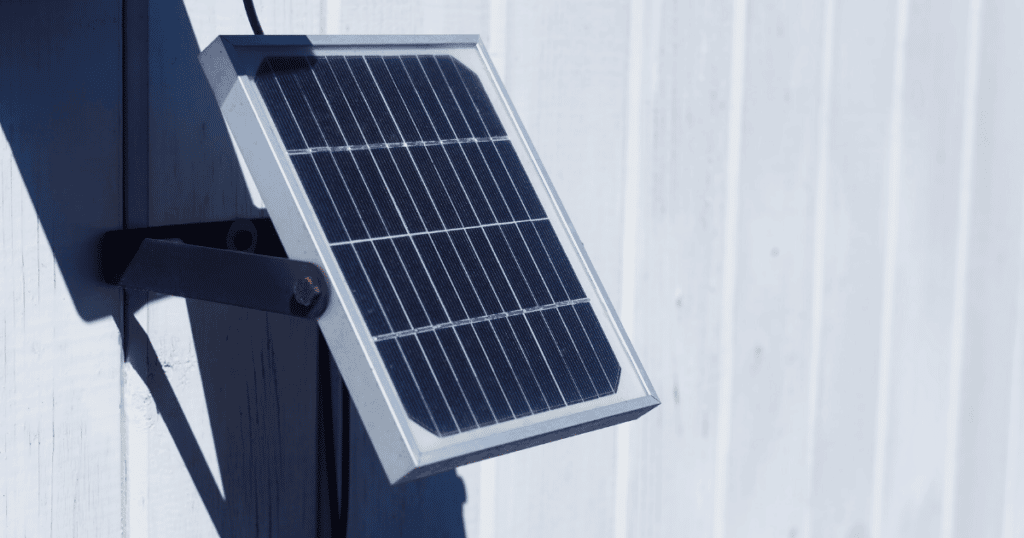
You can invest in solar panels for your home as a solution to recharge batteries for your wireless cameras. Since security cameras utilize a small amount of electricity, you can help increase the battery life with solar panels.
Some security system manufacturers make incorporating solar panels into your system easy, with optional solar panels linked to the cameras. These cameras will require no additional wiring for the owner, allowing for a fast installation.
If you want to add solar panels to your existing security cameras, you may need to hire an electrician or solar company. A professional can help pair your devices with the right solar panels to sustain the cameras.
Additionally, this power supply option is dependent on your local area. If you live in a colder climate where there isn’t enough sunlight during some months, you shouldn’t rely on solar panels.
It’s better to utilize solar panels as an additional help to your security cameras rather than as the sole power source. The energy savings and convenience of solar panels will help reduce the disadvantages of wireless systems.
Frequently Asked Questions
You can run a PoE cable from your NVR to your cameras for an easy connection if you have an outdoor camera with PoE ports. Depending on the location of your outside cameras, you may need to hire an electrician for the project. An electrician has experience in safely running power cables.
Without a power source, a camera won’t work or turn on. A camera can operate on electricity from a battery or a wired power source like a DC power adaptor. Whatever choice you make, you will need electricity for the cameras to work whatever choice you make. No camera option works without a power source.
As a safety measure, wired security camera systems can have a battery backup system that provides power during an outage. However, a battery backup is not standard in all camera models, so it’s best to choose an option with this feature. The battery backup can help record criminals if they attempt to shut off the power during a home invasion.
Conclusion
This article provided a complete overview of the ways to power a security camera. If you are shopping around for security cameras, you must learn the differences between these power options.
You now know whether you want a budget-friendly camera that operates on DC power or a high-tech PoE security camera. Leave a comment if you have more questions about security camera power sources!