
Updated for 2026
Did you receive an FC (Failed to Communicate) or COMM FAILURE error message on your security system’s control panel? Before you start to worry about costly repairs, we have an explanation of this common error message.
An FC or Comm Failure message means there is a communication failure with your security system. A security system displays this error message if it attempts to transmit a message and it failed.
There are various reasons why your security system has a sudden communication failure. This error message could result in a temporary outage or a permanent problem that needs a fix. Keep reading to learn more about the ways to fix an FC or Comm Failure error.
How to Silence the Beeping Immediately
When an FC error appears, the keypad will sound an intermittent trouble beep. You can silence the trouble tone directly from the keypad:
- Locate your 4-digit Master User Code.
- Press [User Code] + [1] (OFF). The keypad will emit a confirmation beep.
- Wait 3 seconds, then enter [User Code] + [1] (OFF) a second time.
Important: This silences the keypad and clears the screen temporarily. However, if the panel attempts another transmission and fails, the FC display will return.
What Causes an FC or Comm Failure Error Message?
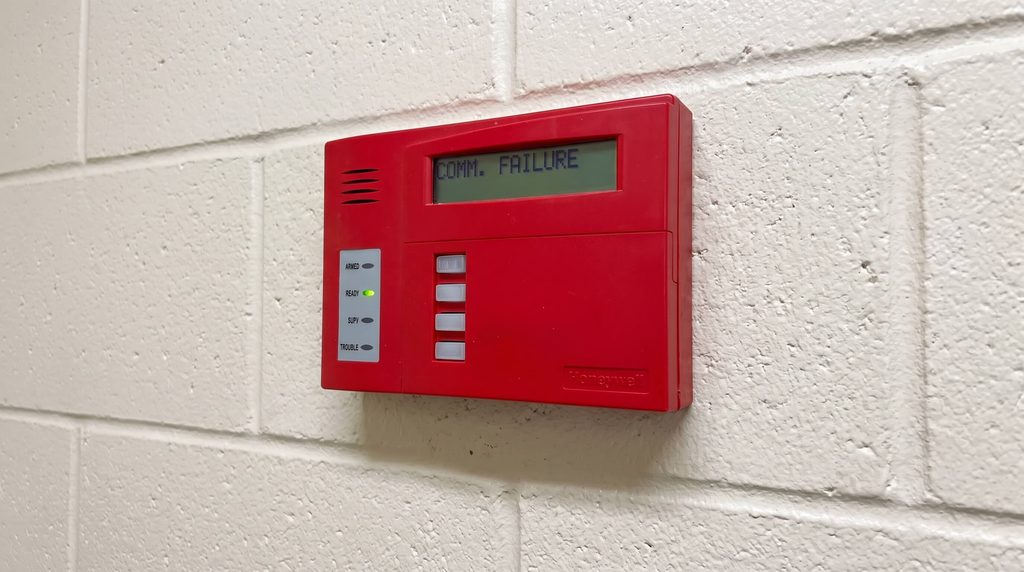
Security systems utilize a phone line or cellular data to communicate. When working properly, the system sends fast communications that provide real-time footage for your home. However, you may face a situation where there is a communication failure.
Alarm panels run scheduled background self-tests (daily, weekly, or monthly) and send transmission for events like armed/disarmed statuses, trouble conditions, or power drops.
When an event triggers:
- The internal dialer or cellular radio attempts to reach the monitoring receiver.
- If the receiver does not confirm the signal after 8 to 10 attempts, the dialer gives up.
- The system locks in an FC error to alert the homeowner that outgoing emergency signals cannot reach dispatchers.
Determining which reason is causing your system’s communication failure can be challenging for owners. In most cases, you should start by waiting and seeing if the error resolves due to a network outage.
Additionally, you should check to ensure you have paid your security system monitoring bill. Some security system providers will disconnect service if you haven’t paid your bill after an extended period.
How to Clear an FC or Comm Fail Message
Once you’ve recognized that your alarm system has a communication error, you can start by attempting to clear the system. Sometimes, your system may malfunction, which can be addressed by the owner by entering your user code.
After entering your user code twice, you can see if this resolves the issues with your security system. If the error message does not go away, you will need to investigate the potential cause further.
When there is damage to the phone line or security system equipment, it can cause an FC error message. If you suspect a problem with the system’s equipment, it’s best to contact your security system provider.
The security company will send a local expert to assess the condition of your phone line and security sensors. If they find the cause of the problem, they can clear the communication failure of your security system.
3 Ways to Prevent an FC or Comm Failure
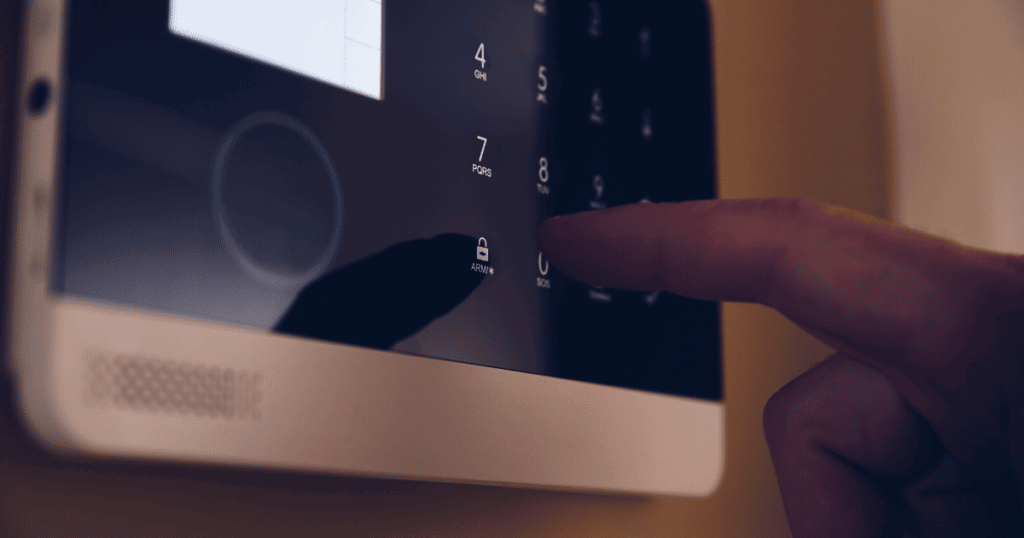
If FC or Comm Failure messages have become a consistent problem with your system, it’s time to make adjustments to your system. There are three main ways to prevent communication failures with your system.
1. Replace the Phone Line or VoIP Adapter
Whether there is damage to your phone line or it’s outdated, the primary culprit for communication failures is the landline. A damaged phone line prevents the signal from reaching the central monitoring system.
Replacing your phone line with a new option will ensure a clear signal throughout the alarm system. Depending on your security system provider, you can schedule an installation of a new phone line or with your internet provider.
Confirming there is a stable phone connection to your system helps remove a lot of potential causes of communication issues. Once you have replaced the phone line, you can move on to other solutions if you still encounter the dreaded “Comm Fail” message.
Power-Cycle the Main Control Panel
Corrupted dialer buffers can often be cleared with a complete system reboot:
- Open the main metal control panel cabinet.
- Disconnect the red lead from the large backup battery at the bottom of the cabinet.
- Unplug the system’s low-voltage AC transformer from the wall outlet (a beige or white block screwed into a nearby electrical socket).
- Wait 60 seconds for all capacitors to drain completely.
- Plug the AC transformer back into the wall outlet.
- Reconnect the red lead to the backup battery terminal.
- Return to the keypad and perform a Double Disarm ([Code] + [1] twice) to reset the clock and clear trouble buffers.
Delete the Dialer Numbers (For Unmonitored Honeywell Panels)
If you no longer pay for monitoring and want the FC error gone permanently, you must delete the phone numbers programmed into the panel’s memory registers (*41 and *42).
Requires the 4-digit Installer Code (Default: 4112 or 5112 on ADT panels).
- Enter your [Installer Code] + [8] + [0] + [0].
- The keypad display will show “20” or “Installer Code 20”, indicating programming mode is active.
- Press
*41*(This clears the primary central station phone number). - Press
*42*(This clears the secondary central station phone number). - Press
*99to safely exit programming mode.
Caution: Always use *99 to exit Honeywell programming. Entering *98 can permanently lock you out of installer programming mode.
Frequently Asked Questions
You can resolve the FC error code on your Honeywell alarm system by entering [User Code] + [800] + [*41*] + [*42*] + [*54] + [#15] + [*55] + [1] + [*99]. This sequence will clear the phone number that was programmed into the device. The clearing code will also adjust the dynamic signaling settings for the panel to prevent future FC messages from appearing.
When you see an FC Comm Fail message on your security system, your device has a communication failure. The communication failure message shows when there is a disruption in the signal. You can resolve this problem by replacing your landline or consulting with a professional for the repair.
If you encounter an error message, you should first enter the user code for the device. However, if you forgot your unique user code, you can enter the default code for the house alarm. In most cases, the default codes for the house alarm will be [1234] or [0000] for the device.
Conclusion
When you see an FC or Comm Failure error, you should not worry. The most common reason is a signal disruption with your landline connection which can be resolved by replacing the wiring. If you cannot resolve the problem, it’s best to work with a local security system company to help with communication failures.