

Are you wondering how to improve night vision on security cameras? If your security cameras have low visibility at night, this could be a home security risk. It’s best to have cameras that work effectively no matter the time of day.
The ten best ways to improve vision on security cameras are:
- Clean the Camera Lens Regularly
- Install an External Infrared Illuminator
- Don’t Shine Light Directly Into Camera
- Avoid Installing Security Cameras Behind Glass
- Add More Cameras to Your Property
- Purchase Security Cameras with High-Resolution Footage
- Make Sure Cameras Are Activating the Night Mode Feature
- Add More Lighting to the Area
- Avoid Installing Dome-Style Security Cameras
- Install Security Cameras Away From Trees or Bushes
After using these methods in your home, you can have clear and visible surveillance footage at night. Keep reading further to learn how to improve visibility at night for security cameras.
The Importance of Night Vision For Security Cameras
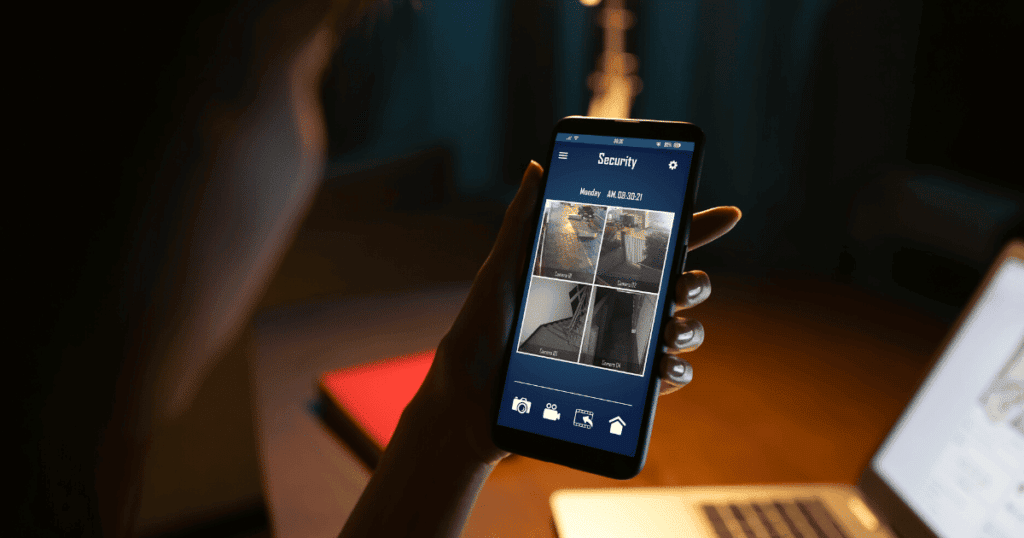
According to the PEW Research Center, only 13% of property crimes are solved in the United States. Most police departments can’t gather enough evidence to solve the crime. Fortunately, you can gather evidence for the crime with security cameras.
However, the surveillance footage must be clear to provide an accurate look at the suspect’s appearance. If a security camera’s night vision is blurry, there is little law enforcement can do with the footage.
Most modern security cameras have a night vision feature that includes inferred lights around the lens. These lights typically give cameras night vision of 50-65ft before the cameras need additional help.
Now that you know the importance of night vision for security cameras, let’s look at some simple ways to improve the footage.
10 Ways to Improve Night Vision on Security Cameras
1. Clean the Camera Lens Regularly

Many things can affect the visibility of outdoor security cameras, from cobwebs to water. If you ignore the cleaning and maintenance of your security cameras, the camera’s vision will decline significantly.
Fortunately, the cleaning process for security cameras is simple, and you can complete it in a few minutes. This cleaning method works for any camera, from dome-style to standard cameras.
You will need the following cleaning supplies:
- Glass Cleaner
- Clean Microfiber Cloth
- Can of Compressed Air
If there is a large collection of cobwebs or dust around the camera, you should first spray compressed air to eliminate it. Next, spray the security camera’s lens with a proper glass cleaner. Lastly, wipe it down with a microfiber cloth and check the footage for clarity.
2. Install an External Infrared Illuminator
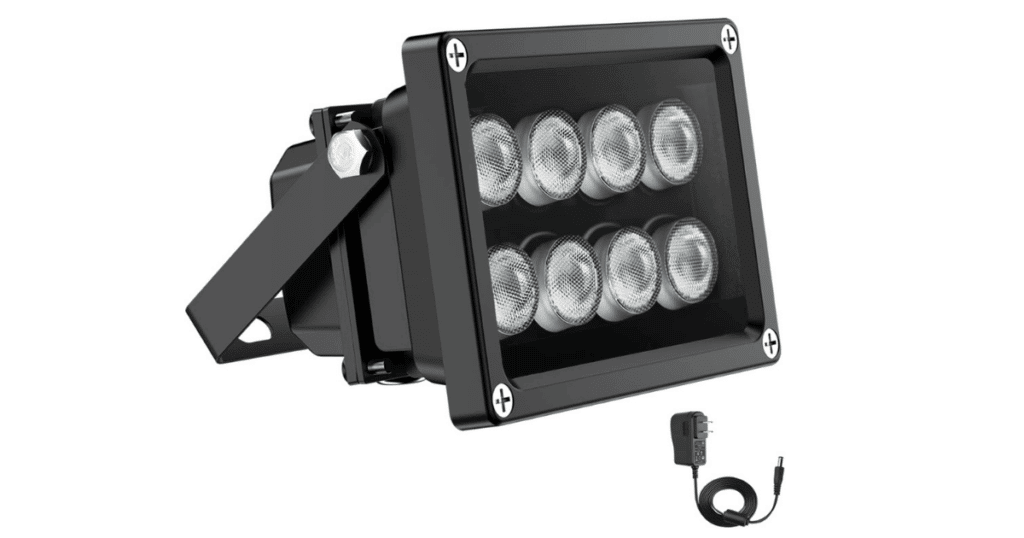
An external infrared illuminator is one of the best products to improve night vision on security cameras. An IR illuminator will boost visibility by providing additional light for the security cameras.
The product gives off a small amount of light at night near the security camera. However, the night vision camera will show a significant increase in visibility. These infrared illuminators are very powerful.
If you aren’t skilled in DIY projects, this is likely too complex for you to complete independently. We recommend consulting your local electrician to link the camera’s power supply to the illuminator.
3. Don’t Shine Light Directly Into Camera
While setting up your landscape lighting, it’s crucial you do not aim the lighting into the camera’s lens. The light will demand all of the focus from the camera and make the footage difficult to utilize for surveillance purposes.
Many security cameras have a mechanism that closes the eye of the camera to compensate for the light. When the eye of the camera is closed, the background of your security footage will be completely dark.
The bright lights may also trick the camera into staying in daytime mode and not offering ideal footage for nighttime. Fortunately, you can fix this problem in a few seconds and maximize the potential of your security cameras.
Some of the solutions to bright lights shining in your security cameras are:
- Installing a Lower Wattage Bulb
- Rotate the Camera Away From the Light Source
- Turn on the Wide Dynamic Range (WDR) Setting
- Place Light in New Location
4. Avoid Installing Security Camera Behind Glass
While initially installing security cameras, you should never place them behind a glass piece of any kind. The reflection from the glass will cause lights to reflect into the camera lens and affect the visibility.
If you are worried about the safety of your security system, you can install the cameras at a tall location. The cameras will remain out of reach from burglars and get the necessary footage you need.
5. Add More Cameras to Your Property
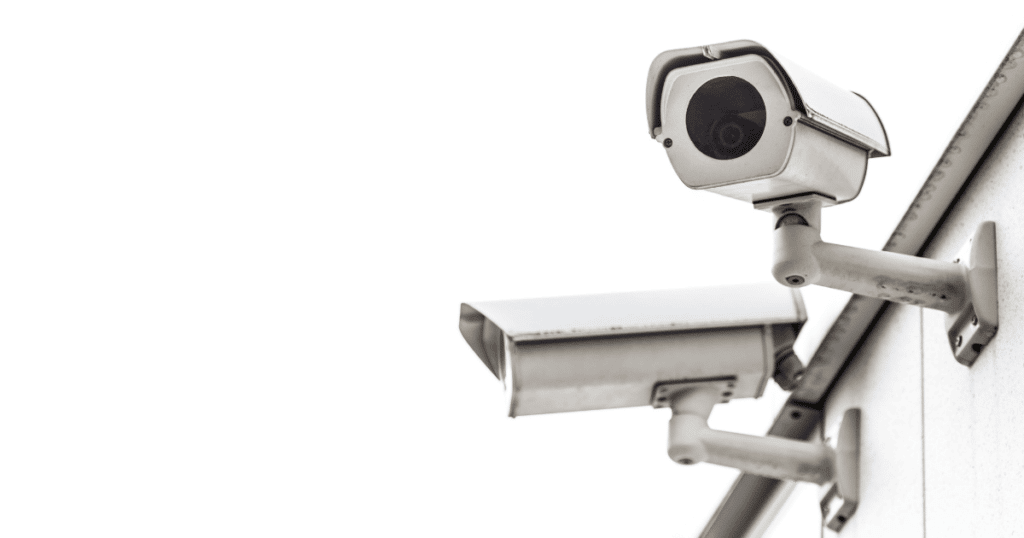
A security camera has limits to how far it can capture footage around your property. If you want complete surveillance around your house, you will need several cameras. Adding multiple security cameras allows you to get the footage you need.
If a camera doesn’t reach far enough in a location, you should install another security camera closer to the target. A single camera is a good option if you want a general view of large areas of your property.
General Rule: Most homes need 3-4 security cameras to monitor their surrounding areas effectively.
However, you won’t identify them unless they stand close to the camera during the crime. Most security cameras have a limit of 65ft, which is lower during the nighttime. A safe estimate is a maximum of 50ft before the footage becomes hard to see.
6. Purchase Security Cameras with High-Resolution Footage
When it comes to security cameras, you shouldn’t skimp on the quality of the product. While you can purchase cheap security cameras, the video resolution of the footage will make it difficult to identify someone’s features.
There are many security cameras available that offer superior video quality that gives you a clear picture. As home security experts, we have provided a table of the top options you can use for your home.
| Product Name | Video Resolution |
| Blink Outdoor Camera | 1080p |
| Ring Spotlight Camera | 1080p |
| Arlo Essential Spotlight Camera | 1080p |
| Wyze Cam v3 | 1080p |
| eufy Security Solo | 1080p |
7. Make Sure Cameras Are Activating Night Mode Feature

If there are no signs of external factors affecting your security cameras, it may be the security camera product itself. A security camera must activate its night mode feature to provide the clearest footage in darkness.
The night mode feature involves the IR filter moving out of the view of the camera’s lens. After the filter moves, the infrared lights will improve the visibility of the camera at night. If the camera doesn’t switch, there may be a problem.
First, you should check if there is no nearby light that could be affecting the sensor in the camera. If there is no light, your security camera may be defective, and you will need a replacement.
8. Add More Lighting to the Area
Unless you have specialized night vision cameras, you cannot expect standard security cameras to get clear night footage unassisted. Adding more lighting around your property is an easy way to boost visibility.
A few lighting options offer the best visibility and convenience for your property. We recommend using bright motion-sensor floodlights to light up key areas like the driveway and backyard. Many options are solar-powered, requiring no additional wiring.
Once installed, your security cameras will have better performance and allow you to boost overall home security. If you want the best results, you can consult with a professional landscape lighting company.
9. Avoid Installing Dome-Style Security Cameras
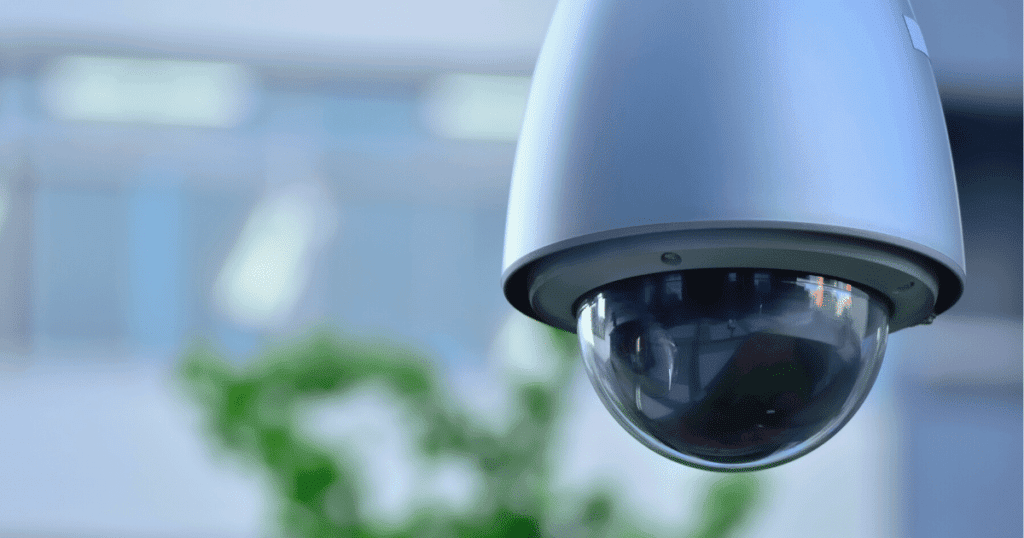
When you need reliable outdoor camera footage, we recommend you avoid installing dome security cameras on your property. A dome security camera is best suited for indoor environments with consistent lighting.
Dome security cameras will have lights that reflect and affect the video quality if used outdoors. A dome security camera is not designed to capture far distances and won’t monitor large spaces.
If you want dependable results, we recommend installing a standard outdoor camera with the proper protection. These lights have the mechanisms to capture footage from far distances and in clear resolution.
10. Install Security Cameras Away From Trees or Bushes
Installing a security camera too close to trees or bushes can create a bright spot in your camera’s view. The structure will demand focus from the camera, which darkens the background of the footage.
While installing a security camera, you should ensure that no vegetation is too close to your camera lens. Many homeowners have also solved this problem by turning on their camera’s Wide Dynamic Range (WDR) settings.
As a homeowner, you should also stay mindful of the length of the shrubs around your home. If the vegetation grows too long, it can slowly impact the vision of the cameras. A security camera should be able to see your front yard.
Frequently Asked Questions
If your security cameras are only blurry at nighttime, this could indicate an IR reflection issue, or something is affecting the camera lens’s focus. You can solve this problem by removing anything near the security camera. These objects could be cobwebs, tall bushes, or water from a recent storm.
Glare is often a problem caused by placing a camera behind glass or utilizing a dome security camera. The LED and IR lights reflect off the glass in front of the camera, causing a glare that affects visibility. To stop glare on a night vision camera, you should keep the lens away from the glass.
If you want to test a night vision camera before installing it, you can hook it up in a dark room to view its footage. While checking the footage, you should view the settings to ensure that night vision mode is engaged. In most cases, you can confirm that your night vision camera works with these steps.
A few characteristics of a good night vision camera are the video resolution of the camera, the infrared light brightness, and the installation method. These features will determine if you get clear footage that helps identify a criminal. Check these features when shopping for security cameras.
Conclusion
These methods will offer helpful solutions if you’ve been struggling with getting visible nighttime footage from your security cameras. In summary, you should improve your security camera’s night vision with these steps:
- Add more lighting around your property to improve monitoring capabilities.
- Avoid having objects in front of your lens that affect the camera’s focus.
- Boost visibility with an external infrared illuminator product.
The quality of your home security system is important in determining the quality of the video footage. We recommend paying a little more to ensure your property receives high-quality monitoring.
We hope these tips help. In the comments, let us know how you improved your camera’s night vision!