
Are you interested in learning how to prevent wifi jamming? For many of us, having a Wi-Fi connection is an essential part of our lives. We connect our devices and security cameras to it, helping to monitor our property. However, criminals have ways to jam Wi-Fi signals.
The five most effective ways to prevent WiFi jamming are:
- Use an Ethernet Cable
- Know the Signs of a Wi-Fi Jammer
- Reset Your Connection
- Invest in Local Storage Options
- Utilize Wireshark Software
You must learn to prevent jamming if you want reliable footage. These methods will keep stable connections to vital equipment on your property. If a criminal uses a WiFi jammer, you can catch footage of their actions. This article will cover what WiFi jamming is and how to prevent it.
What is Wi-Fi Jamming?

Jamming wireless connections is a relatively new practice but incredibly powerful. With many systems linked to a Wi-Fi signal, a jammed connection can eliminate key components in a home.
There are two main ways someone will jam a wireless signal. The first and most common method is by sending a deauthentication attack. A hacker will send commands to your Wi-Fi network that kick you off the connection.
These deauthentication attacks are very difficult to defend against, as criminals can do them remotely. However, manufacturers are adding new security features such as 802.11w management frame protection to defend against it.
Along with these attacks, the other WiFi jamming method is a specialized WiFi jammer. These jammers produce frequencies that interrupt wireless connections. A WiFi jammer comes in many sizes, with some small options that are hard to find.
5 Ways to Prevent WiFi Jamming
1. Use an Ethernet Cable
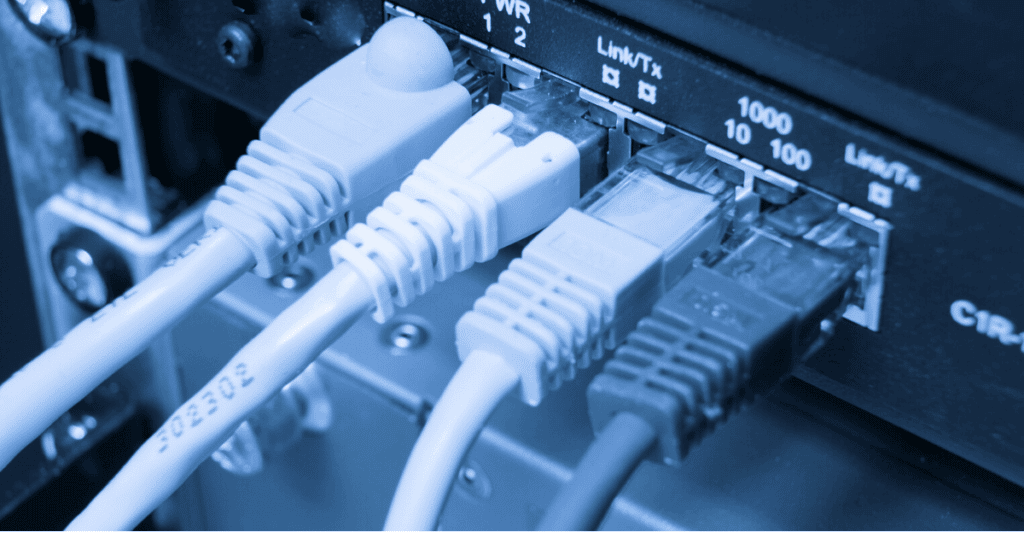
The best way to prevent WiFi jamming is by making wired connections to essential equipment in your home. A jammer will not block the signal if you connect an ethernet cable to your home’s security cameras.
Preventing jamming completely on a wireless connection is not possible in most cases. The system will create powerful frequencies that hijack your connection. By switching from wireless to wired equipment, you can ensure you have a steady connection.
Some articles claim you can use a “Wi-Fi Blocker” on your property to solve this problem. Unfortunately, there is no possible product that can selectively avoid the owner’s wireless connection to defend against other jammers.
2. Know the Signs of a Wi-Fi Jammer
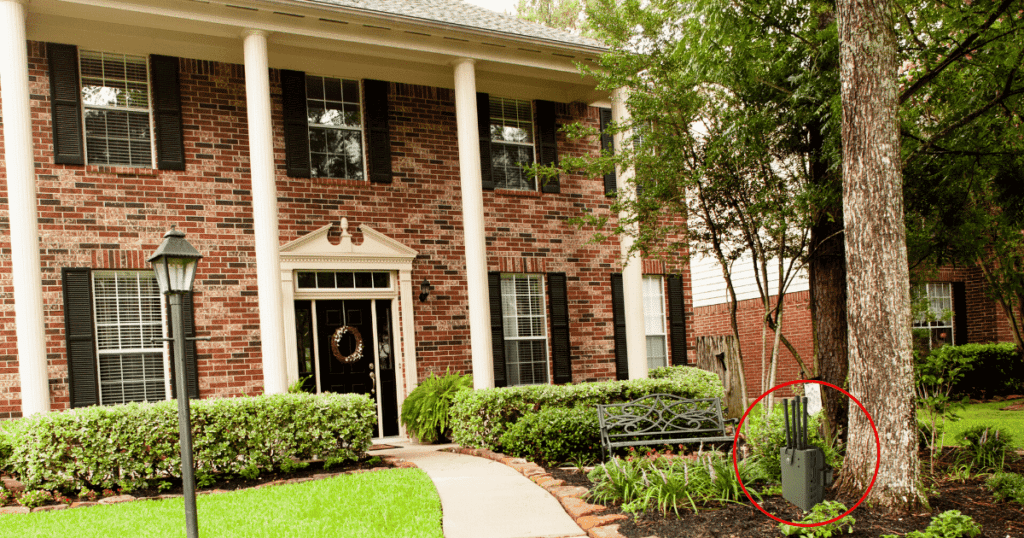
To prevent Wi-Fi jamming, you should first identify if that is the problem. In some cases, it may be another technical issue that isn’t a serious threat. Fortunately, it’s easy to know if you are being affected by a WiFi jammer.
A WiFi jammer will impact all wireless connections in the area. From your laptop to your phone data, you can’t connect to any network in the local area. If you have security cameras, they will suddenly freeze until someone turns off the jammer.
If you are a victim of a deauthentication attack, your network will kick you off and ask you to sign in again. However, you won’t be able to sign in, and your system will continuously kick you off the network.
3. Reset Your Connection

Whether it’s a jammer or a network outage, you should always reset your connection if you encounter WiFi problems. When a criminal is deauthenticating your network, you can sign in after resetting the system.
Resetting a modem or router will clear the memory and connections. However, a WiFi jammer will continue affecting your network until you locate the system. Physical jammers are the hardest system to defend against.
However, a criminal will typically use them for a brief period to take down security systems. You can keep your security system operational by investing in wired connection options. A criminal can jam a security camera with ease.
4. Invest in Local Storage Options
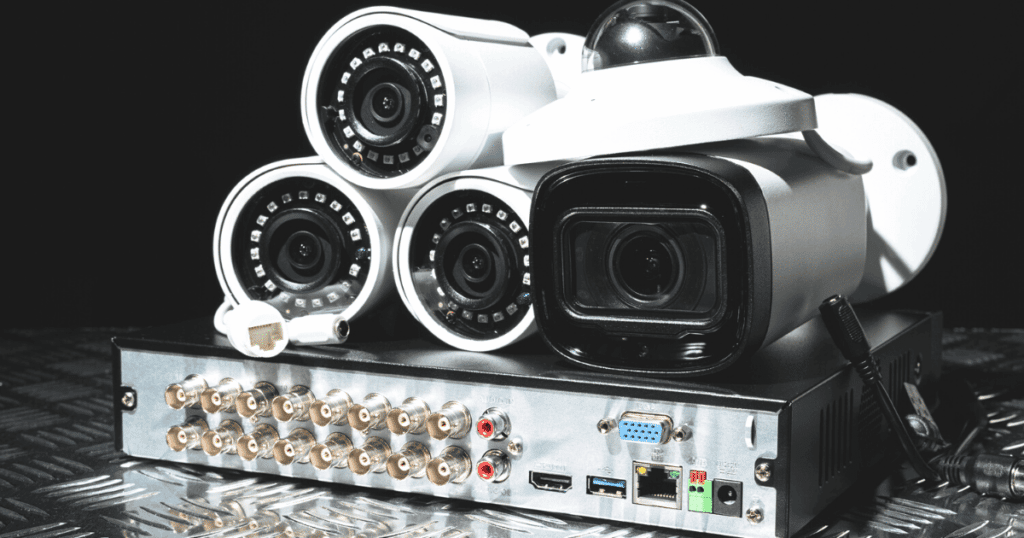
Along with a wired connection, you should also opt for local camera storage options. While the cloud storage offered by some companies can be attractive, it isn’t as reliable as a local memory card.
Some of the best security camera systems with local storage are:
- eufyCam 2 Security Camera System
- Blink Indoor HD Security Camera
- Nest Cam
- Wyze Cam v3
If there is a connection issue, the footage may not save to the cloud storage. It’s best to invest in local storage if you have security cameras for stable footage. Losing security footage can affect finding the person responsible for jamming your network.
5. Utilize Wireshark Software

For tech-savvy readers, you can find the source of a deauthentication attack with Wireshark Software. Once installed, you can see all aspects of your wireless network–down to the smallest details.
This step is not for everyone, as it requires a strong grasp of network systems for users to find the correct information. If you don’t have the expertise for this software, you can consult with a professional about the problem.
WiFi jamming is not a common problem, so if you face consistent problems with your system, it’s likely something else. An IT professional can diagnose the problem and help provide an efficient solution.
Frequently Asked Questions
You must locate the system if someone sets up a WiFi jammer near your property. A signal blocker works in a small radius, so the jammer likely will be nearby. Unfortunately, you can’t stop a jamming device without physically turning it off. Once you notice a WiFi jammer affecting your property, you should expect someone is nearby.
To protect your home against jammers, you should invest in wired security systems. A WiFI jammer cannot affect a wired system connected to the property’s ethernet ports. To protect your router against deauthentication attacks, you should update your 802.11w protocol settings.
When you have WiFi network problems, something affects the system’s communication. If you have too many devices linked to the router, it can slow the speeds and impact the user experience. Invest in a better internet router if you want to improve the speed and efficiency of your network.
Conclusion
A signal blocker is relatively new, but they are becoming more common among criminals. If someone wants to affect your WiFi security cameras, they will turn on the jammer to stop the connection.
If you want to prevent jamming, switching to wired equipment that doesn’t use WiFI connections is best. The security measures for wireless cameras aren’t effective against jammers yet and need more updates.
With these things in mind, you can prevent Wi-FI jamming and develop a more secure home network!
How can I find someone in my area to help find (or know what I’m looking for) the wifi jammer?
If you suspect someone is using a wifi jammer, you should contact a professional IT business or network security firm for assistance. Cybersecurity firms can identify interference with wireless networks.
I just bought a wireless 🛜 security camera system from Amazon. I’m getting ready to install it soon. But I have read everything that you have said and I really appreciate your help. I’m going w/ a burner phone and I’m using a different name and private number for this system. We had WiFi in March the 8 th it was installed and we had numerous people in the neighborhood streaming live footage off of our security cameras, I told my friend who had Cox cable that he needed to reboot the system and he wouldn’t do what I tried explaining to him what to do to prevent any further promblems that should have never had happened it was very Scary and disturbing. But I’m in need of more information ℹ️ on what I need to apply before we install this 2ed set of cameras around our property. I’m getting my SIM card on Wednesday. And I need to have the burner phone unlocked since I bought it through Amazon. Thank you for all your advice and helping us out to be more secure then before. A lot of Disturbing people are around us and it’s very unsettling I have signs posted all around the property including dog on premises all over the windows and doors. Everywhere. And yes we had a few people try to break into our home recently. Scary stuff happening. They even were able to get the code for the garage door opener I found our garage door opened 3-4 times recently and I unplugged the system and put two heavy duty locks on both sides of the garage door from anyone trying to reopen the garage door. I found out the name of the device that these criminals are using. I found it online the other day. It’s very disturbing to know how Unsettling all this is that has been going on since the beginning of this year. Yep. Signed off by. L.A. Time Is 8:02 AM. Monday morning. 8-4-25. Thank you for your patience and your help and your time this means so much to me especially since we’ve been under too much Pressure and STRESS. Talk to you soon. Have a great day today and always stay safe.
My next door neighbor has a jammer blocking my security cameras. It makes me very nervous that he keeps doing it. Police department is zero help. Is there anyway to block the jammer?
Hi Kim,
Iam having the same problem. Police were zero help to me too. For now, what I do is I unplug my wifi and reset my security cameras every day. It works for now. I wish there was more help for this ongoing problem.