

Do you have a problem with a Ring video that freezes after a few seconds? Ring video cameras have revolutionized security system technology. Its popular product line of video cameras and doorbells allows homeowners to record what is going on inside and outside of their homes.
Unfortunately, some people have experienced situations where the Ring video freezes for a few seconds after turning it on, or it freezes for a few seconds at some random point during the video. Why does this happen?
Top 5 Reasons Why Ring Video Freezes and How to Fix Them
Random freezing in your Ring video can make it more difficult to identify intruders, burglars, or other mischief makers on your property. That is why you need to determine why your Ring video is freezing so that you can do something about it.
Here are the top five reasons why the video of your Ring security cameras might be freezing for a few seconds or longer.
Poor Quality Wi-Fi Signal
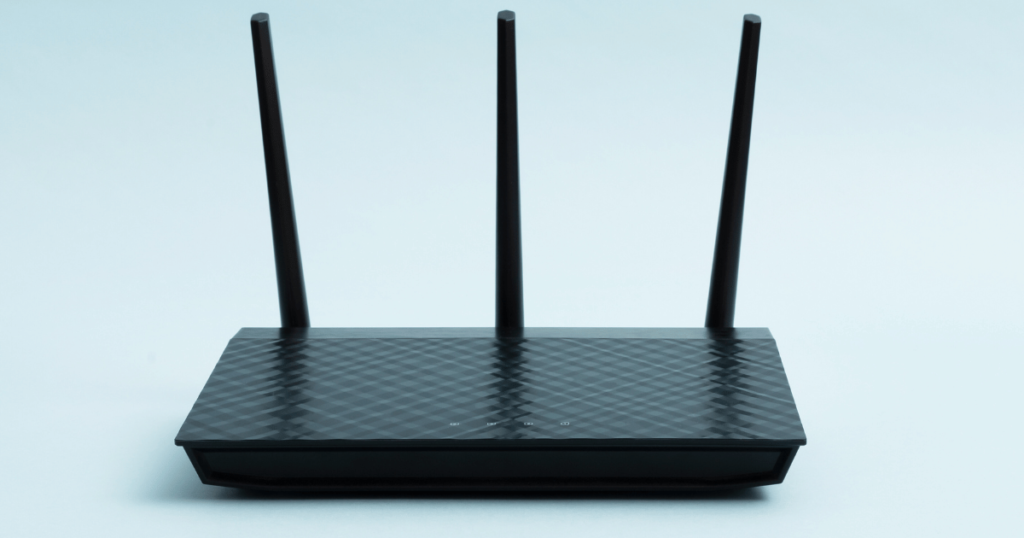
Perhaps the number one reason why Ring video will freeze is due to a poor-quality Wi-Fi signal. After all, the Ring security cameras are smart devices that depend on a high-speed Wi-Fi internet connection to record video. So, if the Wi-Fi signal is weak for even a few seconds, it could cause your video to freeze for a few seconds at some point as well.
Solution
Check to see if you have a strong Wi-Fi connection. You can do this by opening your Ring mobile app on your smartphone or tablet. Select the “Device Health” category and check out the “Signal Strength” indicator section to observe the strength of your Wi-Fi connection.
A signal strength of below -40 means you have a weak or non-existent Wi-Fi connection. The rating will have a red or yellow color to indicate this. On the other hand, if the signal strength shows a number above -40 and is colored green, it means you have a strong enough connection.
Here are some possible ways to fix a poor-quality Wi-Fi connection:
- Reduce the number of shared smart devices on the router
- Install a Wi-Fi extender to make the Wi-Fi signal reach farther and faster
- Move all objects and items away from your router to improve the signal strength
Contact your internet service provider if none of these things fix the problem. Alternatively, if you have a Ring Elite security device, connect it with an Ethernet cable and ditch the Wi-Fi connection entirely. Ethernet is a dedicated line that will eliminate all these freeze problems in your videos.
Related Article: Do Ring Cameras Record 24/7?
Temporary Bugs or Glitches
If you have been using computers and smart devices for a while, you probably know that they tend to suffer from temporary bugs and glitches. These kinds of bugs are due to temporary software issues that affect the functionality of the tech device. The same thing can happen to your Ring security video by causing it to freeze up unexpectedly.
Solution
The simplest solution is to restore your Ring camera. You can do this by opening your Ring mobile app and going to the Device Settings category. Tap on the “Reboot Device” option to force a reboot of your Ring security system. Reboots tend to eliminate these kinds of temporary software complications.
Try to record the video with the Ring device again. If you still see freezes in the video, update your Ring app software because it might have outdated protocols or system issues causing the freezes.
Camera Damage

Inspect the physical hardware of your Ring security camera or doorbell to see if it has any signs of damage. It is possible that bad weather, freezing temperatures, or vandalism could have inflicted damage on your Ring device hardware. If that is the case, it could explain why your video is freezing unexpectedly.
Solution
Fixing or replacing Ring hardware is not something you can do alone. You will have to reach out to Ring’s customer support for technical assistance. They can arrange to either have your Ring device repaired or replaced, depending on the nature of the damage.
High-Quality Video Settings
Naturally, you may feel the urge to choose the highest-quality video settings for your Ring security cameras and doorbells. However, the problem with this is that it will increase the likelihood of your video freezing unless you have a solid Wi-Fi connection.
Besides, do you really need to record your security footage in high-quality video? If you can see who is coming to your door, that should be all that matters.
Solution
Open your Ring mobile app and go to the dashboard. Choose the Ring device that is experiencing the video freeze problems. Go to the Video Settings option for the device. Select a lower-quality video option from the list.
The low-quality video option will reduce the amount of data streaming from the Ring devices. In many cases, that will improve the video performance and eliminate the freezing.
Bugs in the Ring App
Is the Ring mobile app still giving you problems after downloading the latest updates? There may be a situation where your Ring app is improperly installed onto your smartphone or tablet, which could cause the video freezes to occur.
Solution
You will need to remove the Ring app from your mobile device and then download and install it again. So, go into the app settings of your mobile device and find the Ring app on your list of apps. Select the Ring app and choose to uninstall it entirely.
Go to the Google Play store if you have an Android device or the App Store if you have an Apple device. Find the Ring app and then download it again onto your device. Then, open the app and add your login credentials to sign into your Ring account. See if that fixes the video freeze problem.
Similar Article: Why Is My Ring Camera Black and White?
Conclusion
Good Ring video quality requires a strong Wi-Fi internet connection and a bug-free Ring app with the latest software updates downloaded and installed. If you have done these things and there is no damage to your Ring device hardware, then you should enjoy high-quality video without any freezing.