
Is your Schlage programming code not working? Schlage is a popular brand of electronic door locks that allows users to program their door locks with special passcodes unique to them.
A programming code is a tool that allows you to create passcodes for your lock and activate other system features. When the code doesn’t work, it’s often due to low batteries or an incorrect code.
If your Schlage programming code is not working, there are a few reasons that you can look for to solve the issue. Keep reading further to learn what system owners should do to fix their programming code issues.
Top Reasons and Solutions for a Schlage Programming Code Not Working
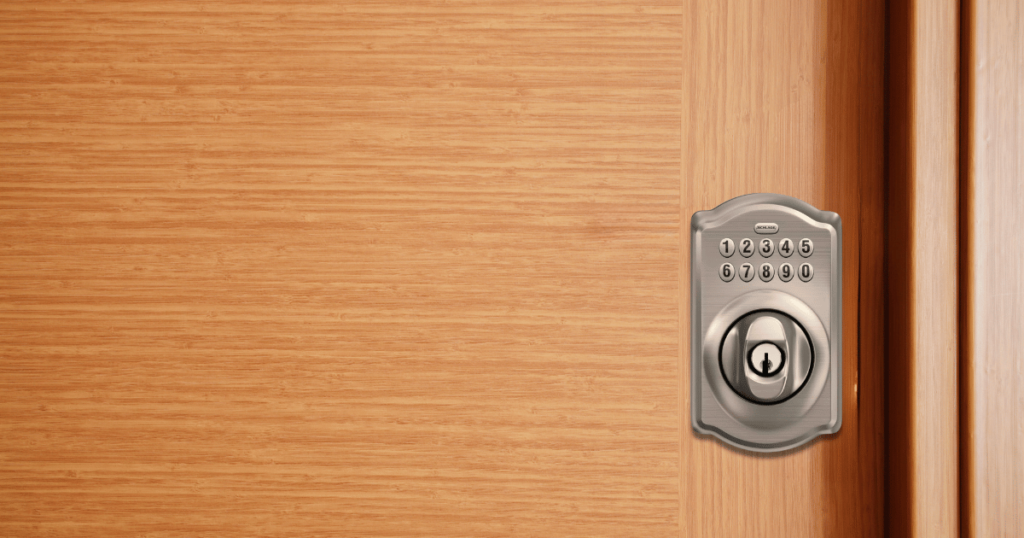
Is the programming code not working with your Schlage electronic door lock? You may have followed the programming instructions correctly but find yourself in a situation where entering the passcode still does not unlock the door. Perhaps the passcode did work before, but it does not work now.
When you experience any problem with the programming code of your Schlage door lock, the next step is to figure out the cause of the problem. Only then can you administer the appropriate solution to resolve it.
Below are the top four reasons why a Schlage programming code stops working and the best solutions for overcoming this problem.
Low or Dead Batteries
Since Schlage door locks are electronic, they require battery power to keep them fully functional. Unfortunately, the battery power will diminish over time until the battery is low or completely dead. Once that happens, you won’t be able to unlock or lock the door with your passcode.
Solution
If you haven’t replaced the battery in your door lock system for a couple of years, it is the likely reason why your programming code no longer works. So, the only solution is to remove the old battery from the door lock and replace it with a new one.
It is best to replace the battery as soon as you notice problems entering the programming code, such as a slow response time for unlocking the door. Don’t wait until the door lock doesn’t work at all, or you won’t be able to get inside your home.
Incorrect Battery Installation
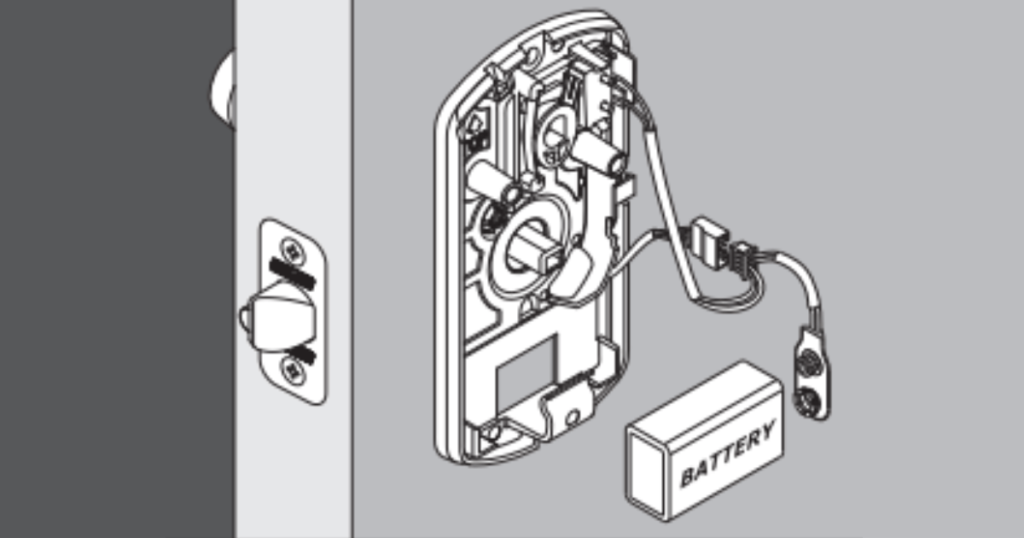
If you installed a new battery but the programming codes still don’t work, it could be because you didn’t install the battery correctly. The battery unit must align with the designated contact points within the door lock system to function correctly.
If the battery does not connect with the contact points properly, then it cannot provide power to the system.
Solution
Try reinstalling the battery by ensuring it aligns with the battery connections inside the door lock system. You will know when the installation is successful because the battery will click into place and remain secure in its position.
If your fingers cannot fit in the tiny spaces to secure the battery, try using a narrow object like a pen to assist you. Listen for the clicking sound of the batteries to know you did it correctly.
The Programming Code is Wrong
Could it be that you’re entering the wrong passcode into the system? If you recently programmed a new passcode into the system, you may have forgotten the code because it is not fresh on your mind.
Solution
The first thing you should do is carefully and slowly enter the passcode that you think is correct. Sometimes, people enter their passcodes too quickly, which causes them to push the wrong numbers accidentally.
If this doesn’t solve the problem, you will have to reset your door lock system in order to program a new code. Contact Schlage’s customer support number or follow the instructions to perform a factory reset of the system without a programming code.
Please note that a factory reset will also erase the passcodes of all the users who have set codes for the door lock system. So, make sure to program new passcodes for the different users to whom you want to access your door. It may be a good idea to write down your passcode and keep it in your wallet or purse so that you don’t forget it.
The Door Lock System is Damaged or Faulty
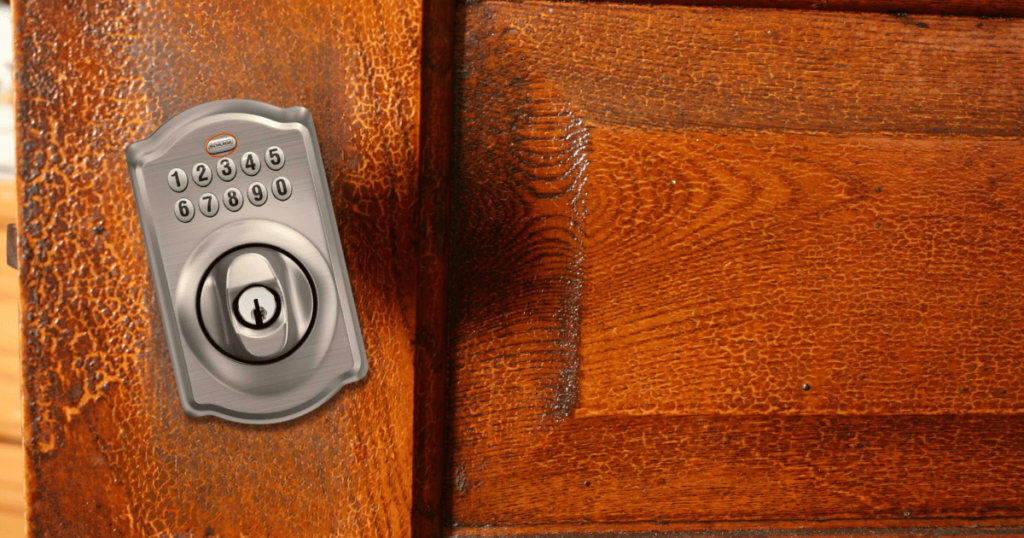
Schlage door lock systems are designed to be durable and secure against forced entry attempts. However, over time, the hardware can suffer damage or deterioration that could ultimately impact the system’s functionality.
The buttons typically suffer the most apparent damage when someone attempts to kick or vandalize the door lock unit. On the other hand, a poor installation of the door lock could also damage the buttons, so keep that in mind during the installation process.
Solution
Perform an inspection of the door lock system to see if any of the buttons or hardware appear damaged. If the buttons seem fine, check around the buttons with a narrow object like a Q-tip to remove any dirt inside the small cracks. Dirt can sometimes prevent you from pressing the buttons, so removing it can restore their function.
If you see damage on the buttons or any of the other components of the door lock system, you will need to contact customer support for assistance. If the system is still under warranty, the dealer will send a professional out to repair or replace the damaged parts at no additional cost.
Frequently Asked Questions
What is the Default Programming Code, and Where do I Find It?
A factory reset eliminates all set passcodes and restores the default factory programming code. After the reset, you must enter the default programming code to program a new passcode into the system.
The default code is usually found on the front of the instruction manual that came with your door lock system. If it is not there, check behind the keypad by removing the deadbolt exterior assembly. You should see a sticker with the code printed on it.
How do I Perform a Factory Reset of my Schlage Door Lock System?
The Schlage customer support team or instruction manual should be able to guide you on the factory reset process. In most cases, the factory reset process involves removing the battery and then pressing and holding the SCHLAGE button until no electricity is in the deadbolt.
Next, reinstall the battery while keeping your finger on the SCHLAGE button. If the front panel shows three check marks, it should mean the factory reset was successful.
Recommended Article: How to Fix a Schlage Lock Blinking Red
Conclusion
Schlage electronic door lock systems are durable and reliable for home security protection. It is worth the small amount of effort it takes to maintain a Schlage door lock system in exchange for the security it offers.
Problems with the programming code should not happen very often as long as the battery is installed correctly and replaced every couple of years.