
The Ring Doorbell has a unique-looking design because of its circular doorbell button with a flashing LED light around it. This LED light can flash three different colors: white, red, or blue. Each color represents the Ring Doorbell device’s current operating status.
The flashing colors, especially blue, do not always mean the same thing on all the Ring Doorbell models. The meaning of the blue color seems to have the most variations between the different models.
Here are some of the common reasons why the Ring Doorbell light flashes blue:
- The doorbell has been set up successfully
- The doorbell is currently charging
- The doorbell is establishing a connection to your Wi-Fi network
- The doorbell’s speaker has been activated
- The doorbell’s factory settings have been restored
The blue light’s flashing does not have one pattern. Instead, it could flash multiple patterns, each indicating the Ring Doorbell’s current action or status. Keep reading further to learn why your Ring doorbell is flashing blue.
The Meanings of the Flashing Blue Light Patterns
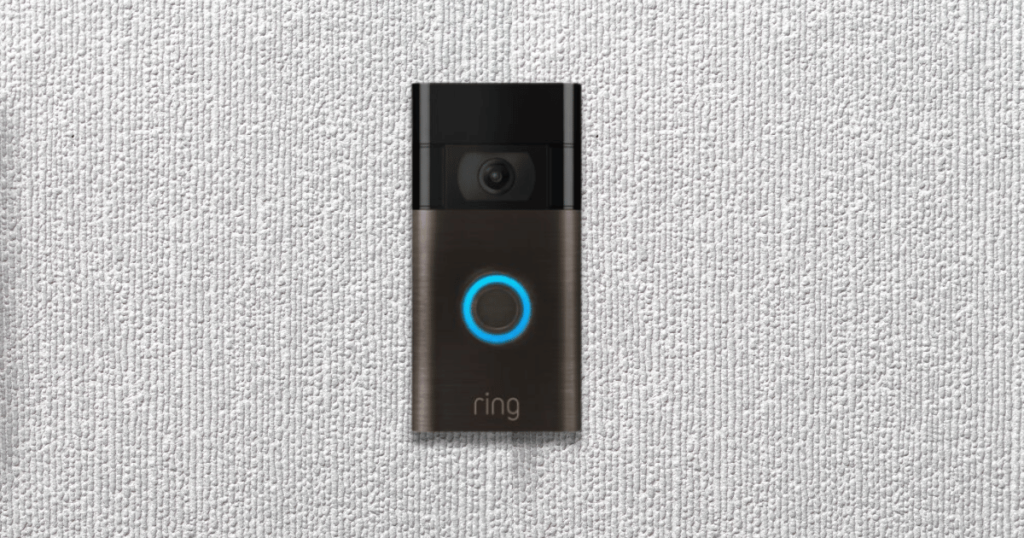
To understand the meanings of these blue light flash patterns, we need to review the various Ring Doorbell models and what the blue light flash patterns mean for them.
1. Ring Video Doorbell (First Four Generations)
The first four generations of Ring Video Doorbell models are as follows:
- 1st Generation
- 2nd Generation
- 3rd Generation
- 3rd Plus Generation
- 4th Generation
They all have three blue light indicators with different meanings. Those meanings are as follows:
Four Flashes
After you finish setting up your Ring Doorbell, the circular blue light will flash four times in sequence. This indicates that your doorbell is ready to use and will perform its functions correctly.
Flashing Upward
When you see the blue light indicator flashing in an upward direction, it means your doorbell device is trying to connect to the Wi-Fi network you chose initially. The upward flashing should stop once the connection has been established successfully.
Flashing in a Circular Motion
If you see the flashing blue light spinning or moving in a circular motion around the doorbell button, it indicates that your Ring Doorbell device is actively charging.
Solid Blue Light
Once the doorbell device is 100% charged, the previous circular motion of the flashing blue light will stop and turn into a flashing solid blue light.
Similar Article: What Does a Red Light on a Ring Doorbell Mean?
2. Ring Video Doorbell Pro & Pro 2
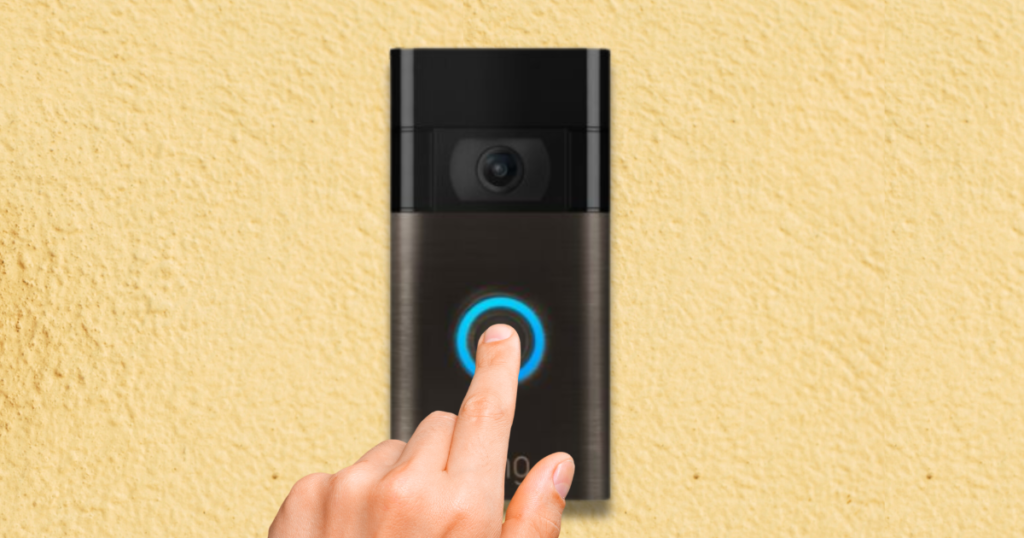
The Ring Video Doorbell Pro and Pro 2 models have seven flashing blue light variations to learn. You will not find any other Ring Doorbell model with as many blue light variations and patterns as the Ring Video Doorbell Pro and Pro 2 models.
This is because these two models are more technologically sophisticated than comparable models. Ring Pro models include more features and improved specifications compared to the standard models.
Flashing in a Circular Motion
The flashing blue light will circle the button a few times after someone presses it. This light helps the visitor to confirm that the doorbell was activated and the owner received their notification.
Flashing Upward
The doorbell device is trying to connect to your chosen Wi-Fi network (like with the first four-generation models).
Four Flashes
Four blue light flashes in a sequence indicate that you have successfully set up your doorbell device (like with the first four-generation models)
Solid Blue Light
If the blue light indicator turns solid blue, it means the speaker on your Ring Doorbell device has been enabled.
One-Second Interval Flashing
The blue light indicator will flash in a circular motion every second when the doorbell device is loading up after being updated, switched on, or restarted.
Upper Half Flashes Blue
If you only see the upper half of the circular blue light indicator flashing, it can have two possible meanings. One meaning is that the device is actively charging, and another meaning is that you entered the wrong password.
Extra Fast Blue Light Flashing
The circular blue light indicator will flash rapidly after restoring the default factory settings on the doorbell device.
3. Ring Doorbell Wired & Wireless Peephole Camera
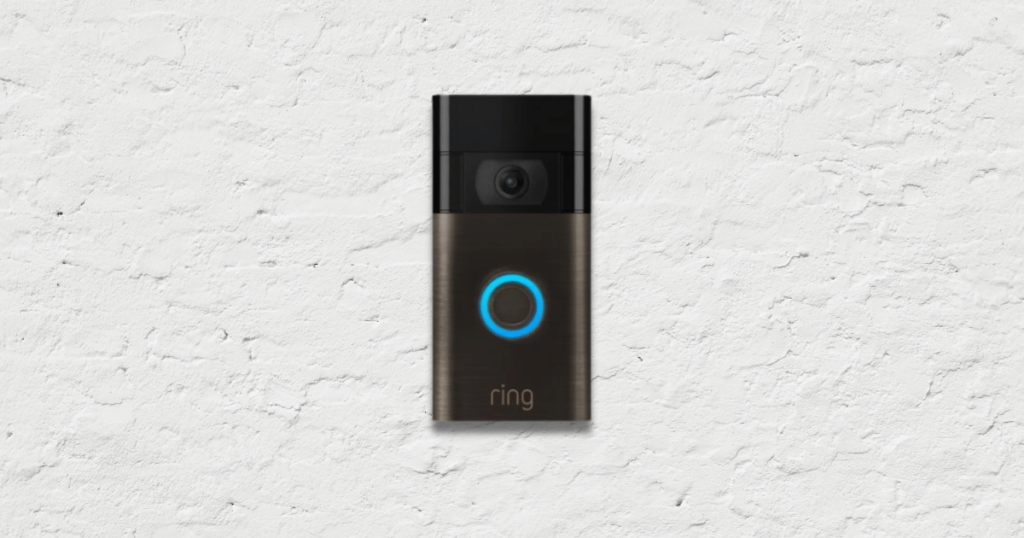
Approximately six different flashing blue light patterns are on the LED indicators of the Ring Doorbell Wired and the Ring Doorbell Wireless Peephole Camera models.
Solid Blue Light
Turning on the speaker will activate a flashing solid blue light on the indicator of the doorbell device.
Flashing in a Circular Motion
The flashing blue light will circle the button after you press it.
Flashing Upward
The doorbell device is trying to connect to the Wi-Fi network selected (like with the first four-generation models and the two pro models)
Extra Fast Blue Light Flashing
After restoring the device to its default factory settings, the blue light indicator flashes rapidly. After the blue light flashes, you may see a circular white light moving around.
One-Second Interval Flashing
The blue light indicator flashes circularly every second after completing a firmware update or when you’re booting up the doorbell device.
Four Flashes
Four sequential flashes of the blue light indicator mean the setup process has been completed, and the device has successfully connected to your Wi-Fi network.
How to Fix a Flashing Blue Light Problem
In most cases, the light indicator will stop flashing blue once the doorbell device stops performing a particular activity.
But if the blue light does not stop flashing, here are some tips on how you can fix the problem:
- Try to figure out why the flashing blue light problem started in the first place. Was it trying to perform a particular action before it started?
- Use the Ring Doorbell app to check the stability of your Wi-Fi network connection to the doorbell device. If the connection is weak or lost, try disconnecting the device from the network and then reconnecting it. That should resolve any network issues that may cause the blue light problem.
- Reset the doorbell device to its factory settings if you believe a configuration issue has caused the blue light problem.
- If the top half of the indicator keeps flashing blue, ensure you are using the correct password for your doorbell device.
Conclusion
If your Ring doorbell is flashing blue and this article did not help, you should contact the Ring Doorbell customer support team for further assistance. They can resolve internal hardware issues, such as problems with the battery, LED lights, and wiring, that cause the blue light problem.
If your device has an active warranty, it is imperative to contact customer support about all internal issues. Otherwise, attempting to fix the internal problems yourself could void the warranty.
Have a question about the causes of a Ring doorbell flashing blue? Let us know in the comments!