
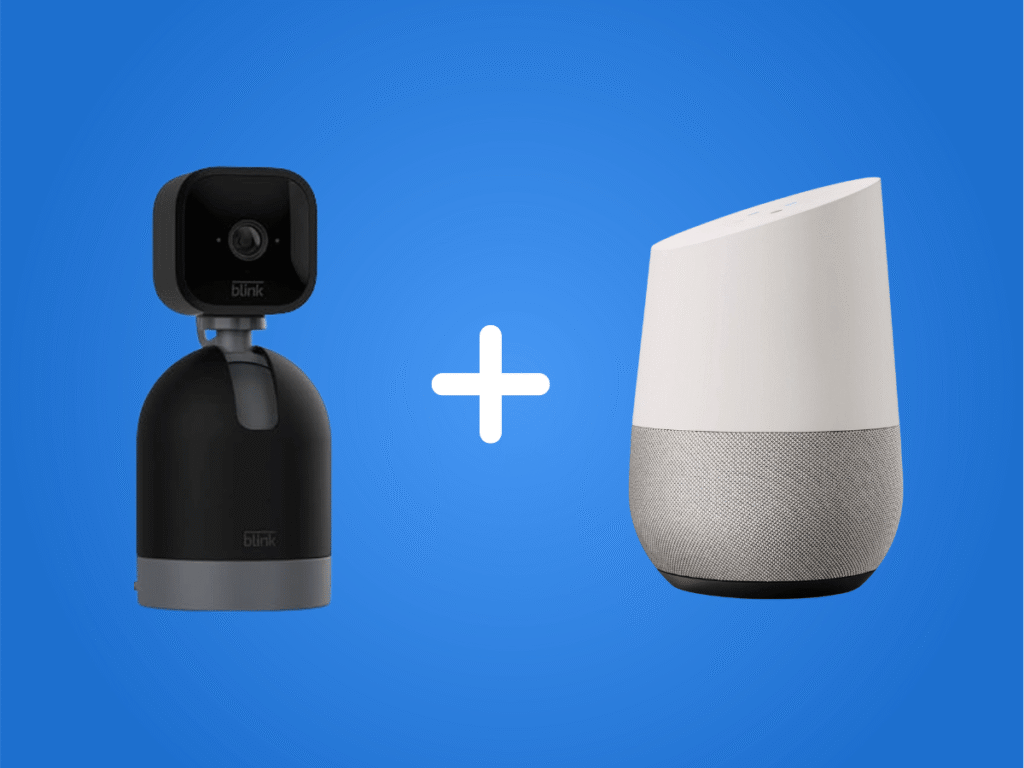
Are you wondering, “Does Blink work with Google Home?” More people have smart devices installed in their homes than ever before. Everything from thermostats and lights to surveillance cameras and security systems now contains smart technology.
As a result, a smart hub like Google Home is needed to conveniently manage and control all your home’s smart devices from one app. Then, give voice commands to control all your smart devices through one central hub.
However, you might wonder if a Blink security camera system will work with Google Home. Keep reading further to learn about the compatibility of Blink and Google Home systems.
Compatibility of Blink and Google Home
Blink is one of the most popular smart home security brands on the market today. Its home security cameras let you see and hear everything in their environment through the Blink Home Monitor app. It is a fast and convenient way to monitor your home from anywhere.
Many homeowners already use Google Home as a hub for their smart devices. Those who own Blink security cameras will want to integrate them with Google Home. Unfortunately, Blink security cameras and Google Home do not connect natively because competing companies own them.
Since Amazon owns Blink, users have been forced to rely on Amazon Alexa as their smart hub for the camera system. However, thanks to the latest improvements in smart home technology, it is now possible to use third-party solutions to connect Blink to Google Home.
IFTTT: The Best Third-Party Solution to Connect Blink to Google Home
IFTTT, which stands for “If This Then That,” is a web-based automation service that quickly connects different smart home devices. It can even connect Blink to Google Assistant, the Google-owned virtual assistant program installed in Google Home. It is what allows you to give voice commands to control Google Home.
You’ll connect Blink with Google Assistant through the IFTTT service. That will allow you to issue voice commands through Google Assistant to operate and manage your Blink security cameras.
Steps to Connect Blink to Google Home with IFTTT

Step 1: Visit the Google Play Store or Apple App Store and download the IFTTT app onto your smartphone or tablet.
Step 2: Run the IFTTT app and create a new IFTTT account. It will ask you for basic information, so the account setup should not take long.
Step 3: Log in to your new IFTTT account. Tap on “Explore” once you are on the homepage.
Step 4: Search for your Blink service. Please select the service once you see it on the list of service options.
Step 5: Tap the “Connect” switch to connect your Blink security system to your IFTTT account.
Step 6: It will give instructions on using the IFTTT app to sign into your Blink account. Follow those instructions to link your accounts.
Step 7: Grant permission for the IFTTT app to communicate with your Blink security devices when it asks you to do so on the screen.
Step 8: Return to the search box on the “Explore” page. Conduct a new search for the term “Google Assistant.”
Step 9: Select “Google Assistant” once you see it on the list of options. Tap on “Connect” and wait for the prompt to appear that asks you to permit IFTTT to access your Google Account.
Step 10: Grant IFTTT access to your Google account once you see the prompt.
Step 11: Configure IFTTT with the appropriate voice commands to activate your Blink security camera system.
Google Assistant is the intermediary between your Blink security cameras and Google Home. Even though Blink and Google Home are not connected directly, they give voice commands through Google Assistant to control both.
For example, if you wanted to activate or deactivate your Blink security system, you would open the IFTTT app and issue a command to Google Assistant like “Google, please activate the Blink cameras” or “Google, please deactivate the Blink cameras.”
Alternative Camera and Hub Options
Would you like to learn about alternatives to Blink or Google Home? Here are some for your consideration:
Samsung SmartThings Hub
Some people prefer using Samsung SmartThings as an alternative smart hub to Google Home. If you want to connect your Blink cameras to SmartThings, you can use the IFTTT app in the same way described above.
Go to the “Explore” section of the IFTTT app and search for “SmartThings.” Go through the same setup process to integrate your Blink cameras. SmartThings has more workflow and automation capabilities than Google Assistant, so you might prefer SmartThings to enjoy these added benefits.
For example, SmartThings lets you create personalized applets to automatically activate your Blink security cameras each time you lock your door and deactivate them each time you unlock your door.
SmartThings Cameras
Samsung has its own “SmartThings Cam” line of security cameras compatible with Google Assistant and the SmartThings app. So, if you want to use the SmartThings cameras with Google Assistant, you have that option, too.
SmartThings Cameras integrated with the SmartThings app offer the most efficiency since they are from the same company.
Google Nest Cameras
Google Nest is a series of outdoor and indoor home security cameras compatible with Google Home. Since they are both made by Google, you can directly connect them without needing IFTTT.
Google Nest provides high-resolution video quality and other advanced features, such as facial recognition technology and voice commands, through the integration of Google Assistant.
Arlo Cameras
Arlo outdoor and indoor security cameras have integration compatibility with Google Home. You will receive alerts and live feeds from Google Home regarding the activities happening on your property. Arlo cameras offer 4k resolution, customizable motion detection, and night vision.
Ring Cameras
Ring is another line of Amazon-owned outdoor and indoor security cameras. If you don’t want to use Amazon Alexa, you can still integrate it with Google Home using voice commands through Google Assistant.
Similar Article: Do Blink Cameras Work With Ring?
Conclusion
Ultimately, it is possible to integrate Blink with Google Home using the third-party IFTTT app. Just issue the same voice commands through the app to Google Assistant to perform your desired functions.
Of course, these smart cameras and hubs offer something unique and beneficial to your home security needs. However, if you prefer Blink for your security cameras and Google Home for your smart hub, now you know the solution for integrating them.