
Are you wondering how to view Bunker Hill security cameras on Android? As a Bunker Hill camera owner, you might be curious about how to view your security footage on an Android device.
There are different applications you can download to help view Bunker Hill security cameras on an Android device. These apps come with varying features and capabilities, so it’s important to choose which one is right for you.
In this article, we’ll review the top Android apps for viewing Bunker Hill security cameras with their features, advantages, and drawbacks. By the end, you should know which option will provide a seamless viewing experience from your Android devices.
Can You View Bunker Hill Security Cameras on Android?
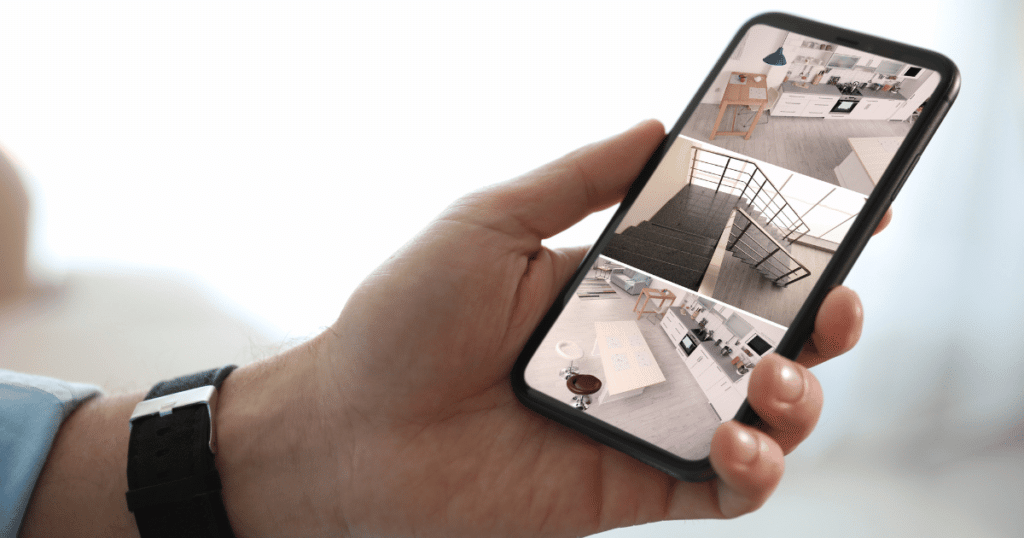
Bunker Hill security cameras are like any other wired IP security camera model, giving them viewing capabilities on mobile devices if you have a DVR. The mobile apps require you to connect the IP cameras to a WiFi-capable DVR and adjust the settings.
Generally, the configuration process for these mobile apps is straightforward and requires you to enter your system credentials into the application. You must know the internal IP of the DVR and TCP port for a successful setup process.
Without a DVR, your Bunker Hill security cameras can’t connect to Android and can only connect directly to a TV or Bunker Hill monitor. Before you check out the best Android apps, you should confirm you have the proper DVR that connects to stable WiFi.
Best 4 Android Apps For Bunker Hill Security Cameras
Onvier – IP Camera Monitor
Onvier is a cross-platform application available on Android and PC. It features a user-friendly interface and an easy setup process for your Bunker Hill security cameras. While the platform doesn’t have advanced features, it gets the job done for most users.
With a one-time $5 charge, you can upgrade to the Pro version and unlock advanced features, which include connecting to multiple camera streams. Additionally, you can save photos/videos taken from your security cameras to the app for viewing.
Download Onvier – IP Camera Monitor for FREE
TinyCam Monitor PRO
If you own a network-connected DVR, you can view your Bunker Hill security cameras in real time. The Tiny Cam Pro app is a top-rated IP viewing platform compatible with over 12,000 security camera models, which includes Bunker Hill Security.
You can find this application as one of the top-rated options for IP viewing in the Google app store. With advanced features on the PRO version, this Android app provides users with various security protocols and facial recognition options.
Download TinyCam Monitor for FREE
ZmNinja Pro

zmNinja-pro is a home security monitoring app built upon the advanced Zoneminder platform. Providing comprehensive video surveillance capabilities, this app is suitable for monitoring children, organizing workplace surveillance, or watching pets.
When setting up this configuration, you must first connect your DVR to the free open-source Zoneminder platform. Notably, this app supports numerous security camera models, which include Bunker Hill, and lets users specify motion detection zones.
Download zmNinja-pro for FREE
Videoloft

Videoloft is an app with similar capabilities to other surveillance apps. It works with several leading surveillance camera manufacturers and lets you control cameras while employing video analytics.
The Videoloft mobile app supports live video streaming and recorded surveillance videos produced by your Bunker Hill cameras. Additionally, you can set up notifications that trigger if motion is detected in front of your cameras.
Download Videoloft for FREE
Frequently Asked Questions
To view security cameras on your Android device, install an IP camera viewer app from the Google Play Store, connect your DVR to a WiFi network, and log in to the app using your system credentials. Once logged in, you can access live camera feeds, playback recordings, and configure settings remotely.
Viewing a security camera without WiFi is possible, but it depends on the camera’s specifications. Some cameras can function without WiFi by connecting directly to a dedicated monitor. However, without WiFi, you may be unable to access the camera’s feed on a smartphone or computer unless you link it to a compatible DVR.
Bunker Hill security cameras typically require an IP app or software to view them remotely. While some security camera systems may offer free apps for Android, Bunker Hill doesn’t have a dedicated mobile app. Free access to Bunker Hill camera feeds may depend on the mobile app’s free capabilities.
Conclusion
While Bunker Hill security cameras are budget-friendly, you can configure them on Android. You can check on your Bunker Hill cameras anytime with a DVR and an IP camera viewing mobile app.
Each app has different features and advantages depending on your needs and budget. Once you download and configure your Bunker Hill security cameras, you can enjoy the convenience that comes from keeping an eye on your property using an Android device.