

Are you wondering why you have a Blink doorbell blinking red? If this is your first time facing this problem, you are likely curious about the cause. Don’t worry, we have detailed information on the causes of a Blink doorbell blinking red.
When a Blink doorbell has a flashing red light, the most common cause is internet connectivity problems. The red light signals that the doorbell device seeks a stable internet connection.
While technical issues can be frustrating, there are solutions to restore the functionality of your Blink doorbell. Keep reading further to learn about the most common causes of a blinking red light and the best solutions.
Why is My Blink Doorbell Blinking Red?

According to Blink support, the red light indicates the device is looking for a WiFi connection. This light typically activates during the initial setup or when you change the WiFi system in your home.
However, if you encounter this problem suddenly, we provide the most common reasons below.
Internet Connectivity Problems
In order to stream video on your Blink app, your video doorbell must receive a stable internet connection. The network requirements for a Blink video doorbell include at least 2Mbps of upload speed.
Additionally, Blink does not support satellite internet services, as there are latency issues with them. If you want to ensure your WiFi network is fast enough, you should utilize an internet speed test.
Low Battery Level or Faulty Batteries
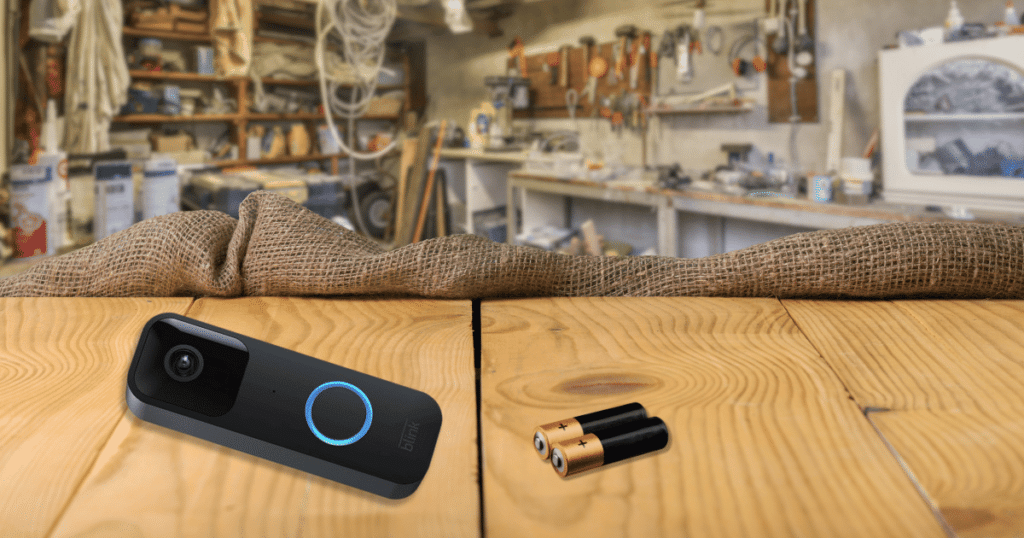
Along with internet connection issues, low battery levels can cause a Blink doorbell to blink red. While the video doorbell will continue working, it will periodically have blinking red lights until it eventually turns off.
Blink video doorbell owners may encounter a blinking red light if they insert the batteries incorrectly. The batteries should make a solid connection that provides consistent power to the doorbell.
Hardware Issue
Sometimes, the flashing red light will be caused by a hardware issue with your Blink device. Unfortunately, a hardware issue is difficult to resolve on your own and typically requires the help of professionals.
If you are encountering a Blink doorbell blinking red, start by assuming the problem is the internet connection or batteries. It’s rare for a Blink video doorbell to have a sudden hardware malfunction.
How to Fix a Blink Doorbell Blinking Red
Check the Internet Connection
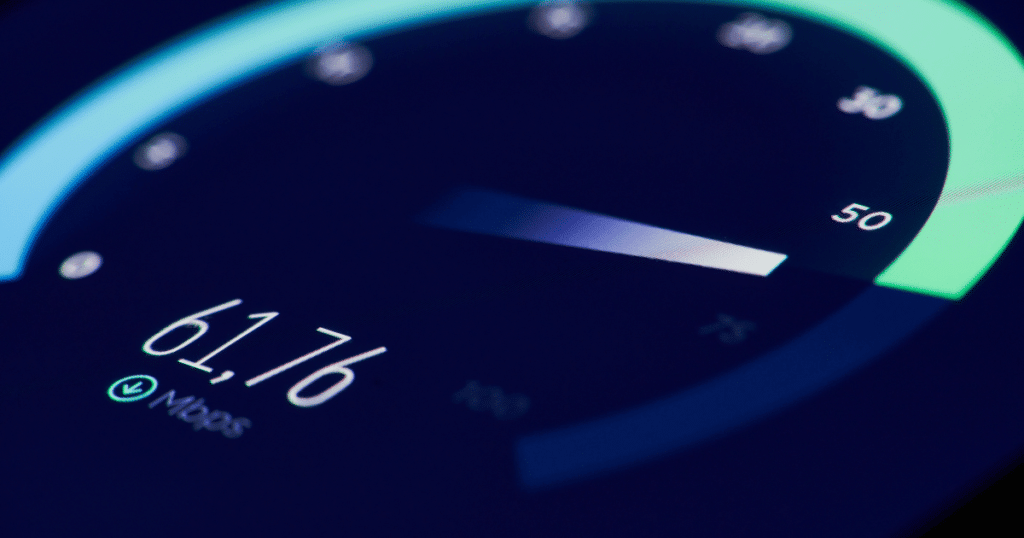
The first thing you should do when you notice your Blink doorbell blinking red is confirm you have an internet connection. An internet connection is crucial for a Blink doorbell to work, so it should operate properly.
If other devices in your home show no internet connection, it could be an overall system outage and not an issue with Blink. However, if your problem continues only with the Blink doorbell, another issue may exist.
Check your Blink app’s settings to ensure your video doorbell connects to a 2.4GHz wireless frequency. The Blink video doorbell will not work if you attempt to connect it to a 5GHz wireless frequency.
Replace the Batteries
If you have a battery-operated Blink video doorbell, you should replace the batteries if you still encounter problems. Video doorbells work best with high-quality batteries from brands like Energizer and Duracell.
You can replace the batteries by removing the two screws securing the backside of the doorbell. Once you remove the cover, you will see three battery slots that you should replace the existing batteries.
When you replace the batteries, you will still see the flashing red light as the device connects to WiFi. If you don’t see a flashing red light, remove the batteries and reinsert them back into the doorbell again.
Hard Reset the Blink Doorbell
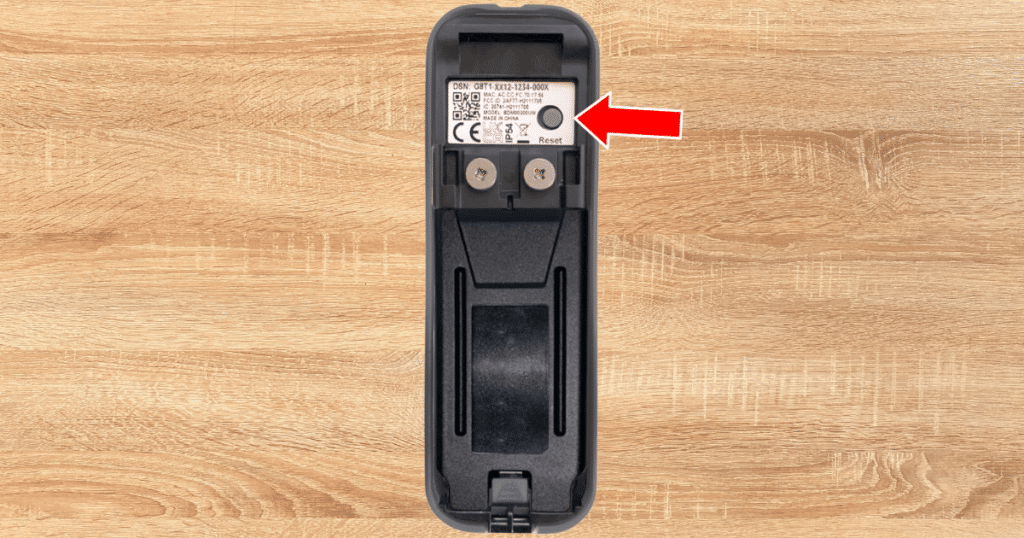
When solving technical problems, the best method of fixing your doorbell is a hard reset. A hard system reset will wipe your device’s settings and allow you to start from the beginning of the setup process.
If your Blink doorbell continues to have a flashing red light, this is often your final attempt at resolving the problem. We don’t recommend performing a hard reset often, as it erases your system’s saved settings.
After resetting your Blink doorbell, you can attempt to connect it to a stable wireless connection. If the hard reset works, the doorbell blinks red and then shows a solid green light to confirm a successful setup.
How to Reset a Blink Doorbell
In order to reset your Blink doorbell, you need to press the reset button on the device. The reset button is typically located on the back or bottom of the camera unit. You can identify the reset button by looking for a small pin-sized opening.
Once you’ve located the reset button on your Blink doorbell, it’s time to start the reset process. Follow these steps to press and hold the reset button:
- Using a small pointed object like a paperclip or a pin, press the device’s reset button.
- Gently press and hold the reset button for 10-15 seconds.
- While holding the reset button, look for the camera’s LED light flash or a color change.
After pressing and holding the reset button on your Blink doorbell camera, it is crucial to give the device time to reset. The resetting process requires patience as the camera goes through the factory reset.
Frequently Asked Questions
Blink doorbell batteries typically last 1 to 2 years, depending on usage and environmental conditions. Extreme temperatures and frequent recordings can impact the device’s battery life. Regularly monitoring battery status through the Blink app ensures uninterrupted security for homeowners.
Blink cameras can go offline for various reasons. Common causes include Wi-Fi connectivity issues, sudden power outages, or a drained battery. Occasionally, firmware updates or software glitches can also lead to temporary offline status for your Blink camera. To resolve this, check Wi-Fi strength, ensure adequate battery life, and reboot the camera.
No, the Blink doorbell will not work without batteries. Blink doorbells are wireless and portable, making batteries a crucial part of their operation. However, you can use rechargeable batteries to minimize the need for constant replacements. Alternatively, some users connect their doorbells to a power source through wiring.
Conclusion
When you have a Blink doorbell blinking red, the most likely cause is an unstable internet connection. Once you have restored the internet, the flashing red light should stop, and the video doorbell will resume operation.
If you still encounter issues with your Blink video doorbell, contact Blink support for additional assistance.