
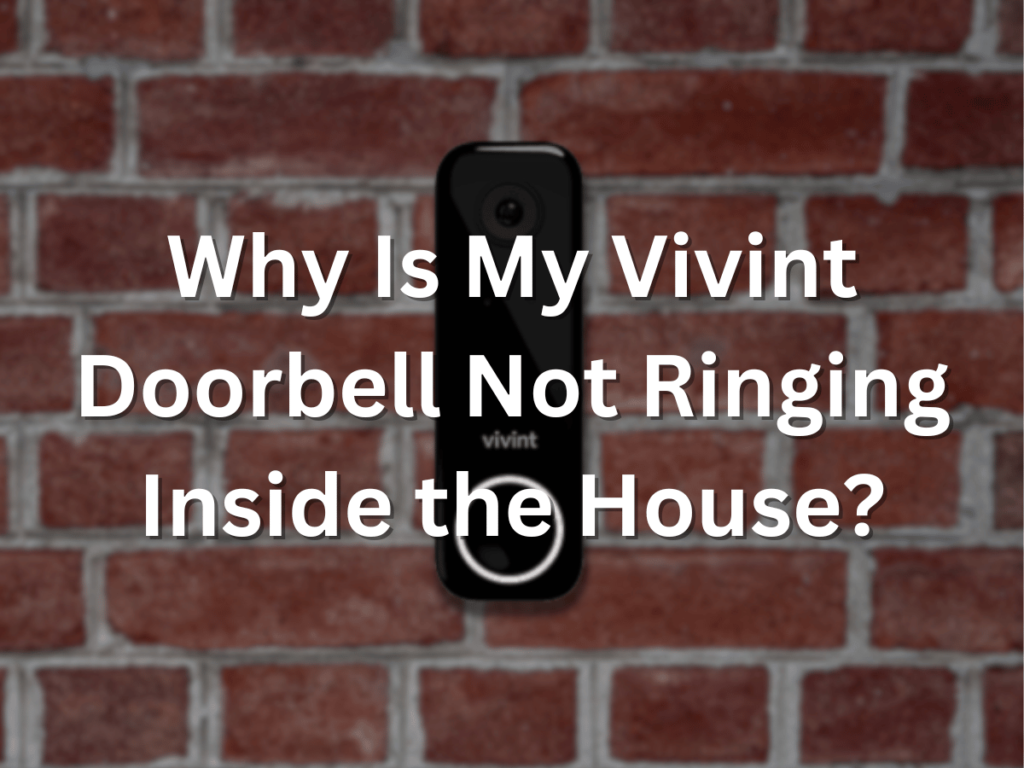
Do you have a Vivint doorbell not ringing? Vivint doorbell technology makes it easier to know when someone is at your front door. Its night vision and theft prevention are a must-have for anyone worried about burglars lurking around their neighborhoods.
If you are wondering, “Why is my Vivint doorbell not ringing inside the house?”, the most common reasons are:
- The Volume is Set Too Low
- The Volume is Muted
- Doorbell Damage or Malfunction
- Connectivity Issues
- Doorbell Application Issue
- Dead Batteries
After you install and activate a Vivint doorbell device for your home, you can make it play a chime sound indoors whenever someone rings the doorbell. In some cases, the Vivint doorbell won’t ring, and troubleshooting is required. Keep reading to learn the solutions.
How to Resolve Issues with a Vivint Doorbell Not Ringing
Do you notice your Vivint doorbell not ringing inside when someone comes to your front door? There are at least six possible reasons why this could be happening. Let us explore those reasons below:
1. The Volume is Set Too Low
You may not hear the Vivint doorbell chime indoors because the volume is set too low. The default volume setting could have been too low after installing the Vivint equipment on your property.
Either that or someone else in the house may have accidentally changed the volume to a lower setting. If you notice this problem, you will need to increase the volume to hear the chime.
Solution
The Vivint SkyControl panel lets you change the volume of the indoor chime that plays when someone rings the doorbell. You can also change the chime that is played when the Vivint doorbell is activated.
In the upper right-hand corner of the SkyControl panel screen, you will see a small volume icon. Select that icon to increase the doorbell volume to a level that suits your preferences.
2. The Volume is Muted
The only thing worse than a low-volume setting is a mute setting. If you don’t hear any chiming sound from the doorbell at all, then it could mean the mute setting is on in the SkyControl settings.
Solution
Check the Vivint SkyControl panel to see if the mute option is activated in the settings. If it is on, deselect the mute option and listen to determine if that was the cause of having sound issues.
3. Doorbell Damage or Malfunction
Do you notice any damage or strange markings on your Vivint doorbell? If so, someone might have tried to break or vandalize it. Bad weather or excessive wear and tear may also have caused hardware issues with the doorbell equipment.
Solution
In these situations, the best solution is to contact a professional technician to repair or replace the affected hardware. Then, you should notice your doorbell ringing inside once again.
4. Connectivity Issues
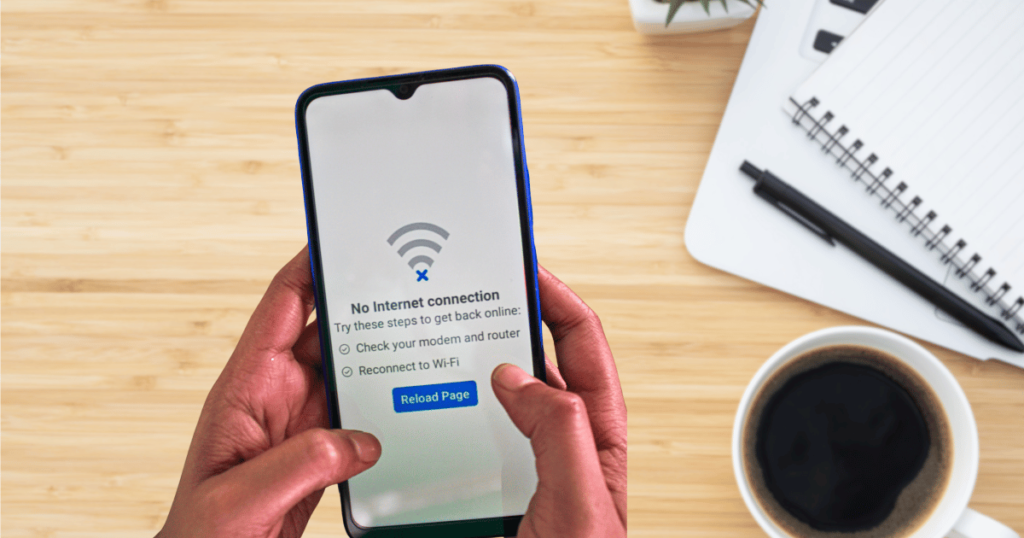
The Vivint SkyControl panel on the inside is connected to the doorbell hardware on the outside. So, if there is a connectivity issue between the two, it will likely cause problems with the doorbell sounds indoors.
Solution
Reset the SkyControl panel to resolve this problem. Here is a quick rundown of the steps involved:
- Open the control panel
- Select the Armed Stay button to disarm it
- Put in your PIN
- Select the Devices button
- Select the panel linked to your doorbell
- Select the Reboot button
The panel will take a few minutes to reboot and reset everything. After that, there should be no more connectivity issues between the panel and the doorbell. Try out the doorbell, and you should hear the chimes inside now.
5. Doorbell Application Issue
The SkyControl panel may not be the only thing you need to reset. Sometimes, a doorbell ringing problem can be attributed to an issue with the application software used for the doorbell equipment itself.
Solution
Go to the Vivint doorbell device at the front of your house. Press and hold the camera button for 15 seconds, and then release the button. You should see the lights change color on the equipment. That is when you will know to take your finger off the button.
Next, hold the camera button until you see a yellow light illuminate. This time, it should take less than 15 seconds. Don’t keep holding the button after the yellow light comes on because you will reset the entire camera.
6. Dead Batteries
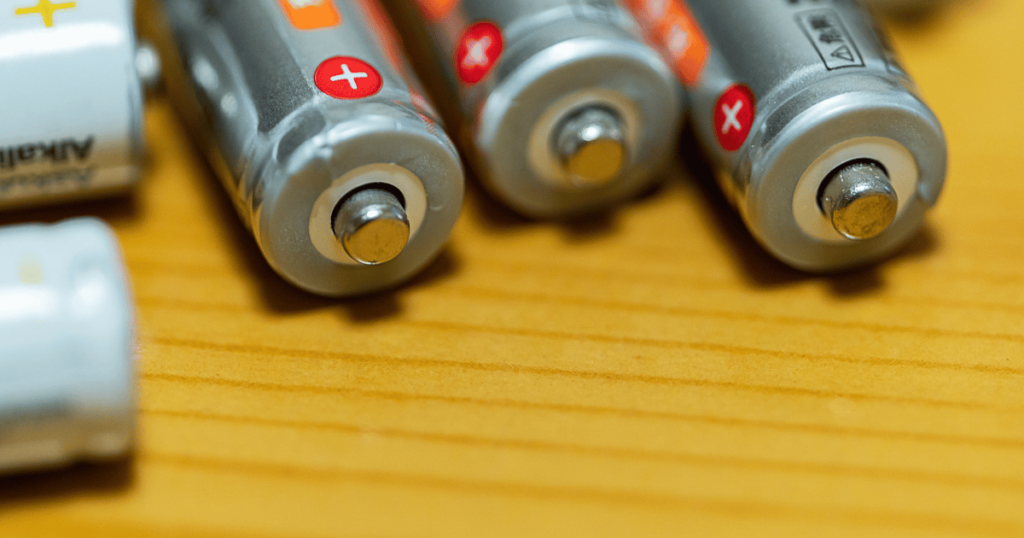
The Vivint doorbell device runs on battery power. If its batteries are low, the quality of the doorbell chimes indoors will be affected. A Vivint doorbell utilizes lithium-ion batteries for long-lasting performance.
Solution
You will need to replace the dying or dead batteries. Slide off the cover of the doorbell device. Hold the battery pack with one hand to prevent it from dropping as you use your other hand to pull it out of the doorbell device.
The battery pack holds two AA batteries. Remove the dead AA batteries and insert two new ones into the battery pack. Reinstall the battery pack into the doorbell device. Slide the cover back on.
Additional Tips
Here are some additional tips to help you navigate the sound issues with your Vivint doorbell:
- The current chime sound may have its own volume issues. Use the SkyControl panel to select a louder and more noticeable chime sound for your Vivint doorbell.
- Download and install the Vivint app on your iPhone or Android mobile device. You can use the app to receive doorbell notifications and change the settings remotely.
Conclusion
In conclusion, when your Vivint doorbell is not ringing inside your home, you should act quickly to resolve the issue. A key feature of the doorbell is to alert the owner that someone has ringed the doorbell or is standing near it.
Hopefully, the tips and solutions in this article will help restore your Vivint doorbell to its proper functionality. If you have any additional questions, we will happily answer them in the comments!