
Are you wondering what causes ghost images on security cameras? Strange human-like shadows and silhouettes are not uncommon to see in camera footage. Sometimes, these problems can occur from a defect with the camera hardware, but they could also be due to camera positioning and environmental lighting issues.
The top 5 causes of ghost images on security cameras are:
- A Slow Shutter Speed Setting on the Cameras
- Lens Flare from Direct Light Exposure
- High Compression Ratios
- Dirty Lenses on the Security Cameras
- Infrared Light Reflections
If you want to secure your home or business effectively, you must ensure your security cameras capture clear images of the people and objects on your property. Otherwise, you will be unable to identify the burglars, thieves, vandals, and other criminals on your property.
The Top 5 Causes For Ghost Images
Do your security cameras capture ghost-like images? Whenever CCTV surveillance systems record images containing unusual ghostly effects, it is known as CCTV ghosting. To solve the problem, you must first learn about its most common causes.
Here are the top 5 reasons why your security cameras may display something that appears to be a ghost:
1. A Slow Shutter Speed Setting on the Cameras
Modern digital photo and video cameras have a setting feature called shutter speed. Unless you are a professional photographer or videographer, you probably do not know the meaning of this term.
Shutter speed refers to the amount of light allowed to reach the camera sensor before the shutter closes and blocks the light. In simple terms, it is the speed at which the shutter closes for each photo image or video frame.
A fast shutter speed is appropriate for capturing fast-moving people and objects, such as speeding cars and people running away. A slow shutter speed is better for capturing slow-moving objects or people, especially those standing still.
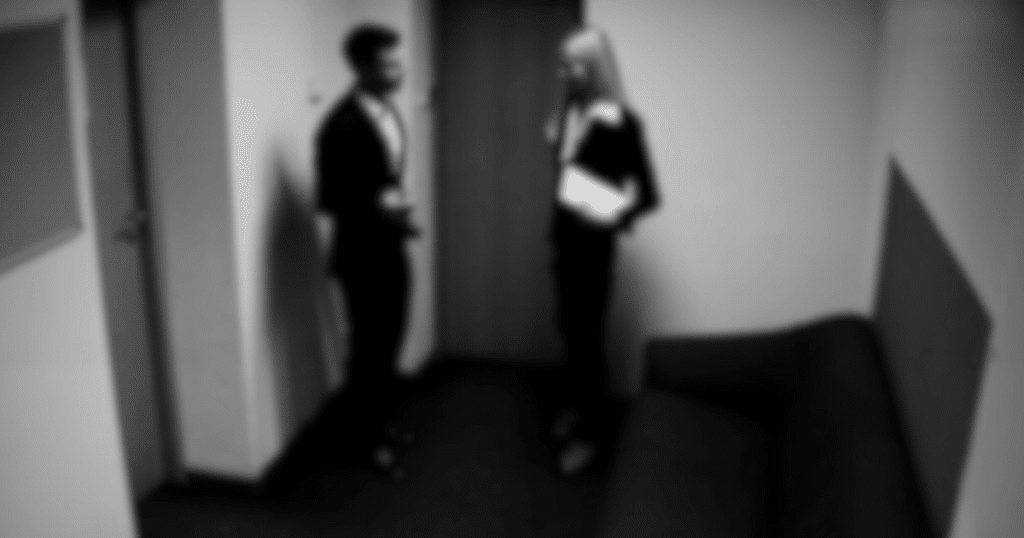
Many property owners inadvertently set a slow shutter speed on their security cameras, resulting in fading or blurry imagery of the fast-moving people and cars in their photos and video frames. These visual distortions often resemble ghost-like imagery.
Solution
Think about the area you are surveilling with your cameras. If you want to watch areas with frequent fast-moving objects or people, such as roads and parking lots, you should set your camera to a faster shutter speed.
On the other hand, if you want to monitor areas where people typically stand still or move slowly, such as a front porch or indoor room, then you should set a slow shutter speed.
2. Lens Flare from Direct Light Exposure

If you position your security cameras to face the sun or other light source, the light will shine directly into the lenses. As a result, the captured video or photos will display a series of scattered bright rings or hexagonal shapes.
Lens flares draw light away from the people and objects in the captured imagery, so you will not be able to see them very well or at all. People will usually appear as shadowy figures and silhouettes without a clear view of their faces.
Obviously, this is not a good thing when attempting to identify burglars and trespassers on your property. A security camera should provide clear surveillance of people and objects in its view.
Solution
Position your security cameras so that their lenses face away from all light sources in the environment, such as the sun, lamps, light fixtures, etc. If you cannot position the camera without direct exposure to light, you can lower it to a new location.
Remember that the sun’s position in the sky will change throughout the day, so ensure your outdoor security cameras never face the sun at any time. If you still have a lens flare problem, add a lens hood to block the lighting around the camera.
3. High Compression Ratios

Modern CCTV security cameras are programmed with high compression ratios to reduce the size of their recorded video data. The smaller data sizes help to conserve bandwidth and storage space.
If you have limited bandwidth or storage space available on your local camera hardware or cloud server, you may think video compression is a great way to save on storage space.
Unfortunately, high compression ratios will usually compromise the quality and clarity of the videos. Since the compression process eliminates some of the video data, you will see more image distortion in the form of pixelation, blurriness, or blockiness.
Solution
Lowering the compression ratios can fix the problem, but you must have enough storage space to accommodate the larger video data sizes. The best solution is to strike a balance that allows lower compression without large file size increases.
Try increasing the video encoding bitrate to 3 Mbps or more to achieve better quality 1080p imagery and fewer ghostly images or compression artifacts. This will increase the visibility of your camera surveillance footage.
4. Dirty Lenses on the Security Cameras
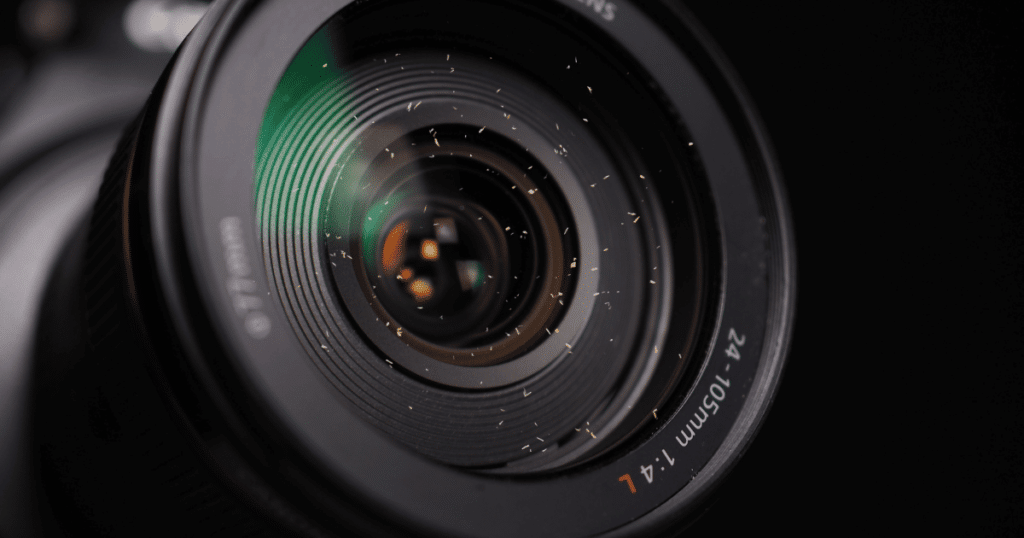
Whether you install your security cameras inside or outside, the lenses will eventually accumulate environmental dirt and debris on their surfaces. Any obstructions on your lenses will negatively impact and alter the video imagery captured.
For instance, if you check your lenses periodically, you may discover they have smudges, dirt, dead bugs, and debris particles. These obstructions will cause shadows, glare, blurriness, and other unclear visuals in your surveillance footage.
Solution
The easiest solution to this problem is to clean your camera lenses regularly. However, make sure you use light, non-abrasive materials to clean the lenses, or else you could scratch their surfaces and create permanent obstructions.
A microfiber cloth and lens cleaner solution are the best combination for cleaning camera lenses. Avoid using standard tap water, as it can leave streaks on the lens and affect visibility.
5. Infrared Light Reflections
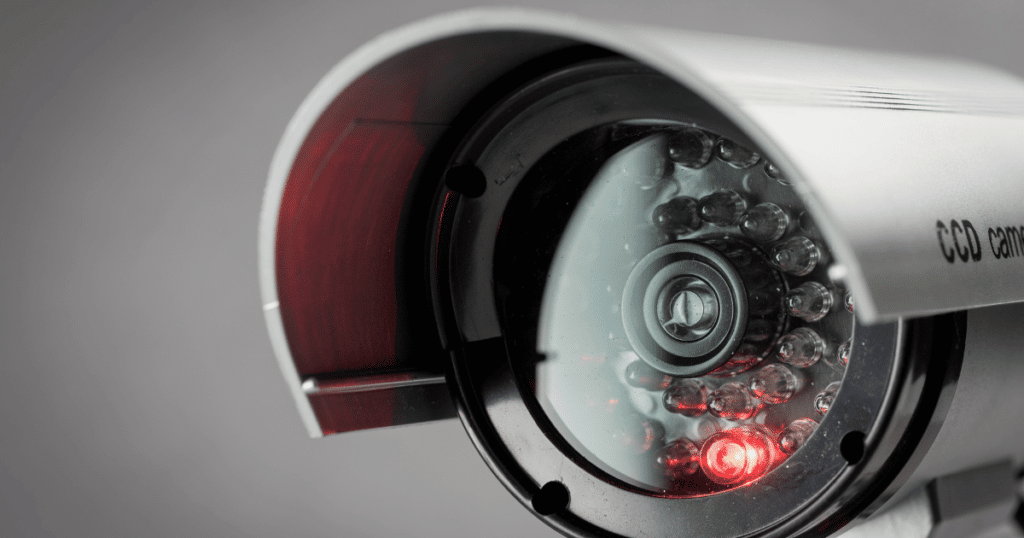
Some of the most sophisticated security cameras possess infrared night vision technology. This technology helps capture better-quality video imagery of low-lit environmental conditions, such as outdoors at night and in dark indoor rooms.
While this might seem like an advantage, one setback to this technology is the reflection of the infrared lighting. For example, most metal and glass objects have reflective surfaces.
So, if you position your cameras toward these objects, the infrared lighting will bounce off their surfaces and back toward the sensors. Once the infrared lighting hits the camera sensors, the footage will display an effect that resembles a ghost.
Solution
Remove all glossy objects with reflective surfaces, such as those made of metal and glass. Either that or move those objects away from the point-of-view of your security cameras.
You May Also Like: 10 Simple Ways to Improve Night Vision on Security Cameras
Additional Tips
Ghost images on security cameras create a safety and security risk on your property. Failing to fix the cause quickly could lead to additional maintenance expenses, unsatisfactory user experience, false alarms, and the inability to identify and capture a criminal who was on your property.
Here are some tips to ensure your security cameras remain sharp and ghost-free:
- Frequently inspect and clean the lenses to ensure they are spotless.
- Check the wires and electrical connections to your security cameras for loose or damaged video cables. Replace any damaged cables if you find them.
- Adjust and position the security cameras away from bright lights and shiny objects with reflective surfaces.
- Upgrade your CRT or camera equipment if it is over five years old. Older equipment is not as compatible with newer surveillance software.
Frequently Asked Questions
Ghosting on cameras is often caused by reflections, internal lens flare, or stray light bouncing around inside the lens. These reflections create faint, transparent duplicates of objects, blurring the image and reducing clarity.
A ghost image on a camera appears as a faint, semi-transparent duplicate of an object in the photograph. It’s typically caused by reflections within the lens or between lens elements, resulting in a blurred, overlapping effect alongside the primary image.
Ghosting in video occurs due to similar factors as in photography, like reflections or lens imperfections. Fast-moving objects, changes in lighting, or filming through glass can exacerbate ghosting. It manifests as faint, trailing duplicates of objects, diminishing video quality and clarity.
Conclusion
In conclusion, understanding the origins of ghost images on security cameras can help enhance surveillance footage. These apparitions stem from various sources including lens flare, reflections, and environmental factors such as lighting conditions.
Clear and unobstructed surveillance footage is essential for monitoring and threat detection. With a proactive approach to addressing ghosting, security systems can operate at peak performance, providing protection for people.
Have you experienced ghosting from your CCTV system? Let us know in the comments!